AI Assistant
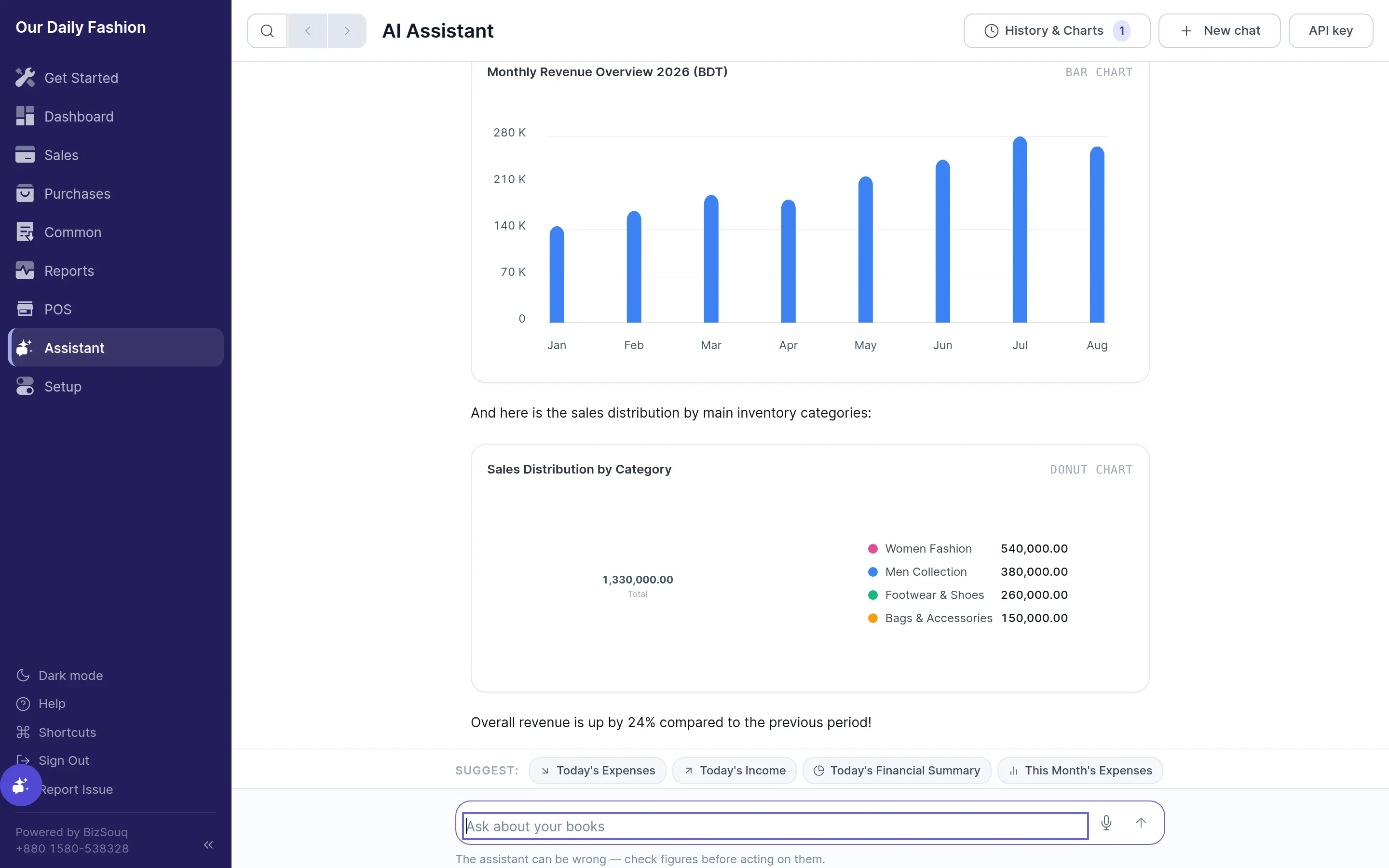
The AI Assistant is an intelligent sidekick integrated directly into BizSouq Books. It can analyze financial statements, inspect inventory stock levels, summarize sales metrics, and automatically render interactive visual charts.
Opening the Assistant
Section titled “Opening the Assistant”You can open the AI Assistant in two ways:
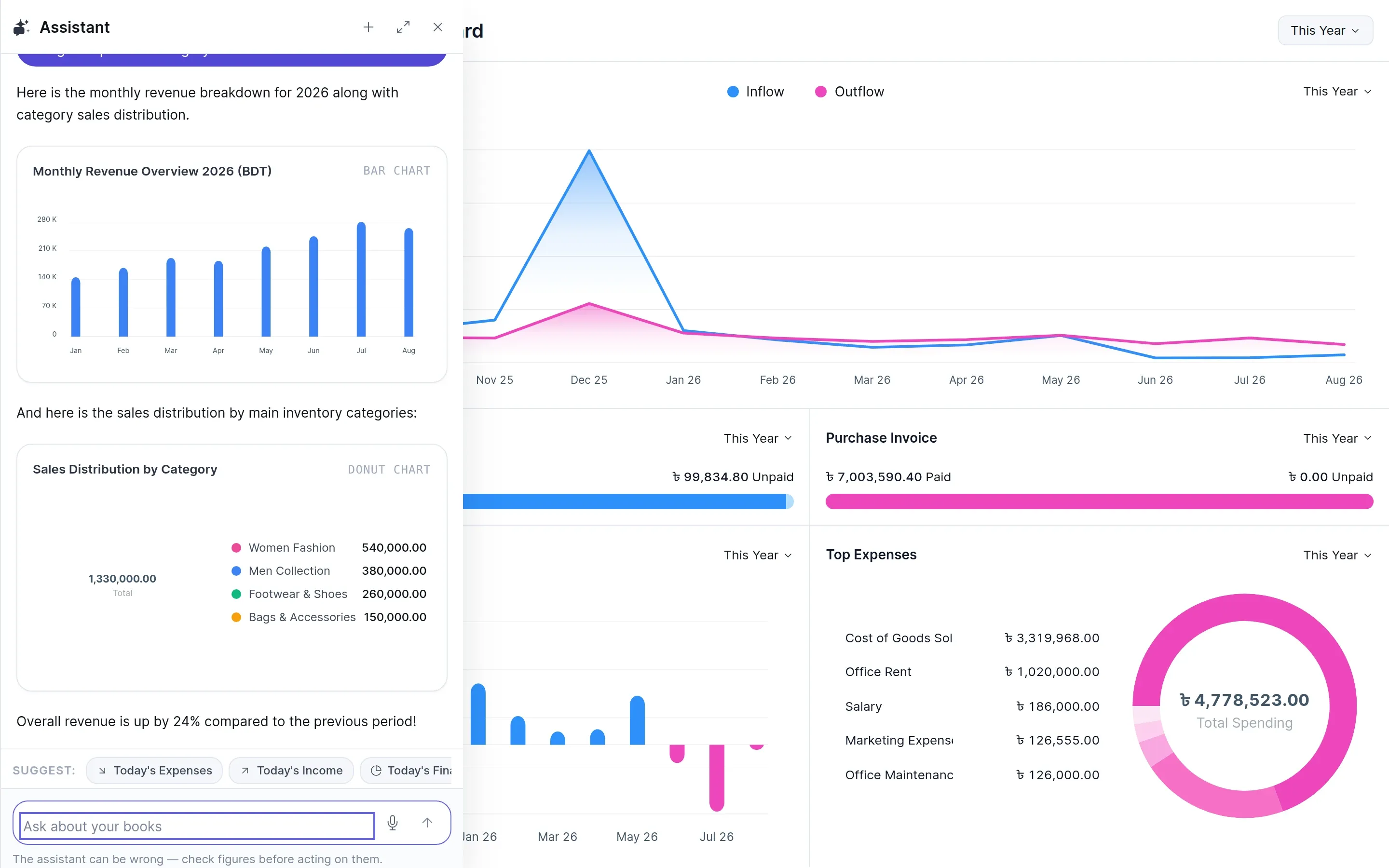
- Floating Drawer — Click the sparkling Assistant button in the bottom-right corner of any screen (or press
Ctrl+J/Cmd+J). - Full Page View — Click AI Assistant in the main sidebar to open the full-page conversation interface.
Key Capabilities
Section titled “Key Capabilities”- Interactive Charts — Ask for sales, expense, or inventory trends, and the assistant renders bar charts, donut charts, and line charts right inside the conversation.
- Natural Language Business Insights — Query top selling items, monthly profit margins, outstanding customer balances, and stock reorder levels.
- Context-Aware Assistance — The AI Assistant accesses live accounting ledgers and tenant data to answer specific questions accurately.
Visualizing Charts in Conversations
Section titled “Visualizing Charts in Conversations”The assistant can generate three types of embedded charts:
- Bar Charts — Ideal for comparing monthly sales performance, expenses, or invoice counts.
- Donut Charts — Perfect for category sales breakdowns and payment method distributions.
- Line Charts — Best for visualizing financial trends over time.
Configuring AI Credentials
Section titled “Configuring AI Credentials”To use the AI Assistant, configure your AI Provider (e.g. Gemini) under Settings → AI Settings.

- Select your preferred provider (e.g., Gemini).
- Enter your API Key.
- Save settings.