Dashboard
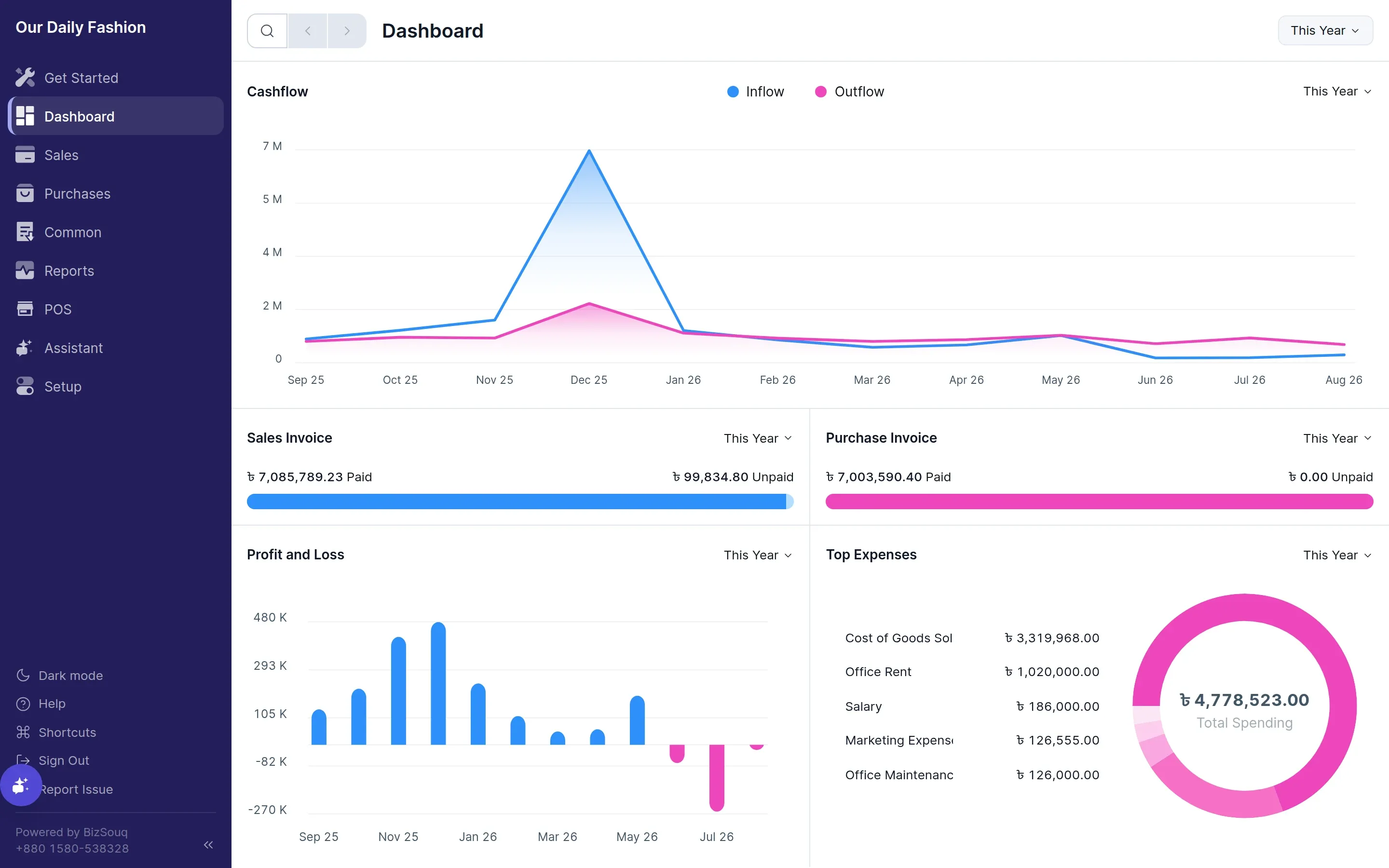
The dashboard is the landing view for a set-up company. It summarises the current state of the business without you having to open a report.
What it shows
Section titled “What it shows”- Cash flow — money in against money out over recent periods
- Profitability — income against expenses
- Unpaid invoices — what customers owe you and what you owe suppliers
- Top expenses — where the money is going
Periods
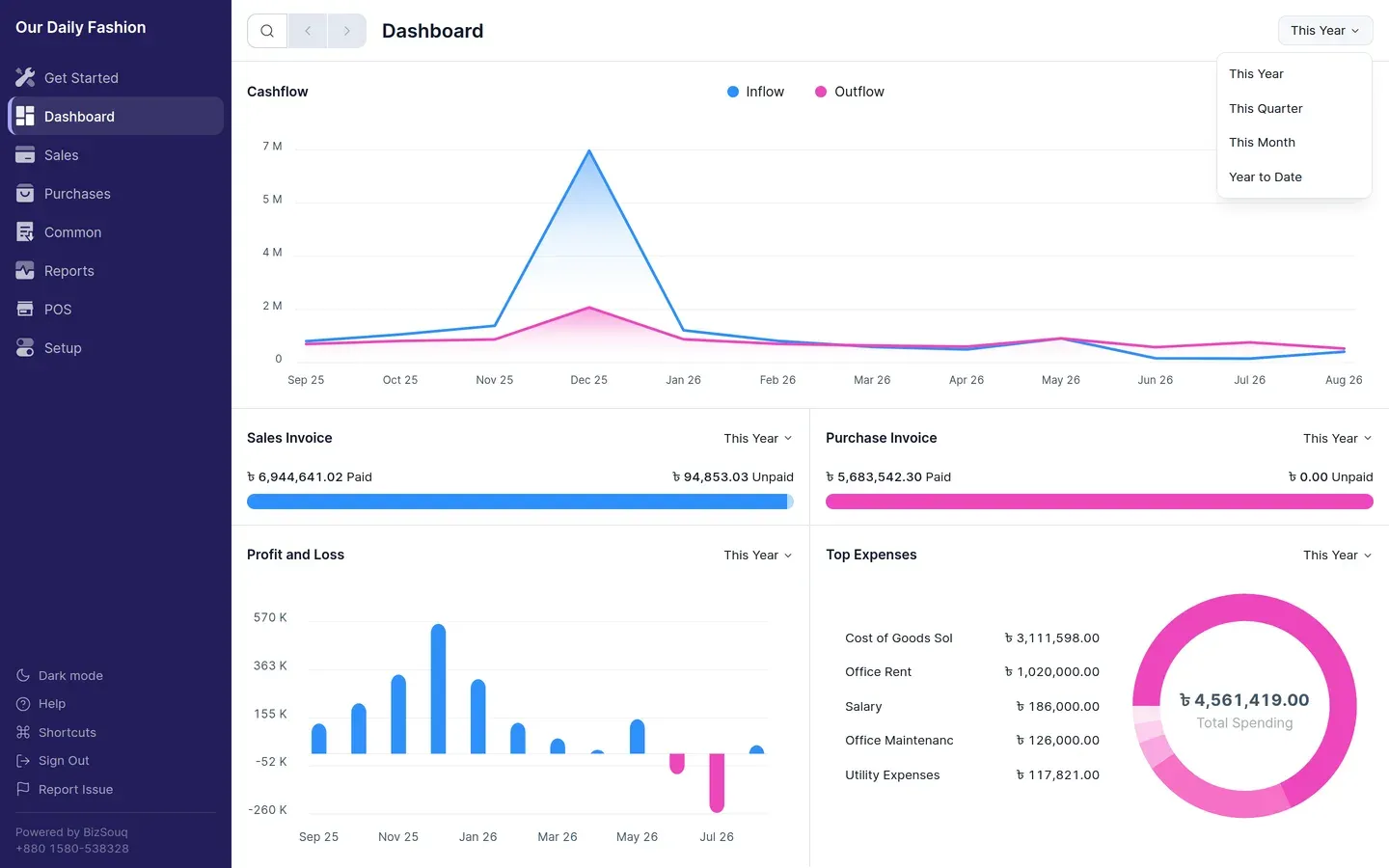
Section titled “Periods”Each chart can be viewed over a different period. Changing the period re-reads the ledger; it does not change any stored setting.
Hiding the Get Started page
Section titled “Hiding the Get Started page”New companies open on Get Started rather than the dashboard. Once you have finished the setup checklist you can dismiss it, and the dashboard becomes your landing page.