Import Wizard
The import wizard loads records from a CSV file. Open it from Setup → Import Wizard.
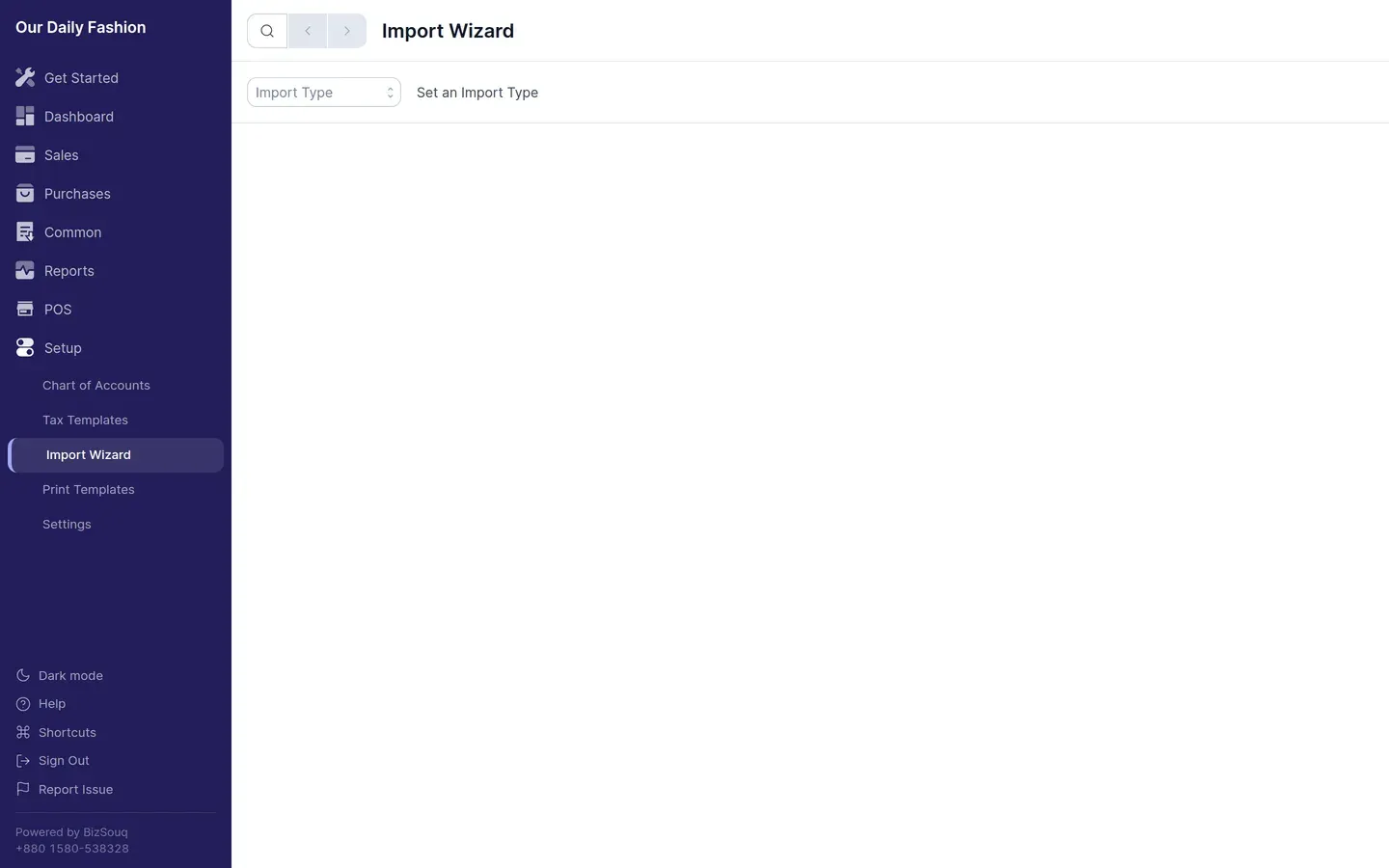
- Choose what to import — items, parties, invoices and other record types
- Download the template — a CSV with the correct columns for that type
- Fill it in — one row per record, using the column headings as given
- Upload and map — the wizard matches your columns to fields; correct any it gets wrong
- Review and import — errors are reported per row before anything is written
Before importing transactions
Section titled “Before importing transactions”Import the records transactions depend on first. Parties and items must exist before invoices that reference them, otherwise those rows will fail.
Errors
Section titled “Errors”Rows that fail are listed with the reason. Fix them in your spreadsheet and re-import just those rows — successfully imported rows are not duplicated if you re-run with the same data, but check before repeating a large import.
Opening balances
Section titled “Opening balances”For balances rather than documents, a journal entry is usually simpler than an import. See set up opening balances.