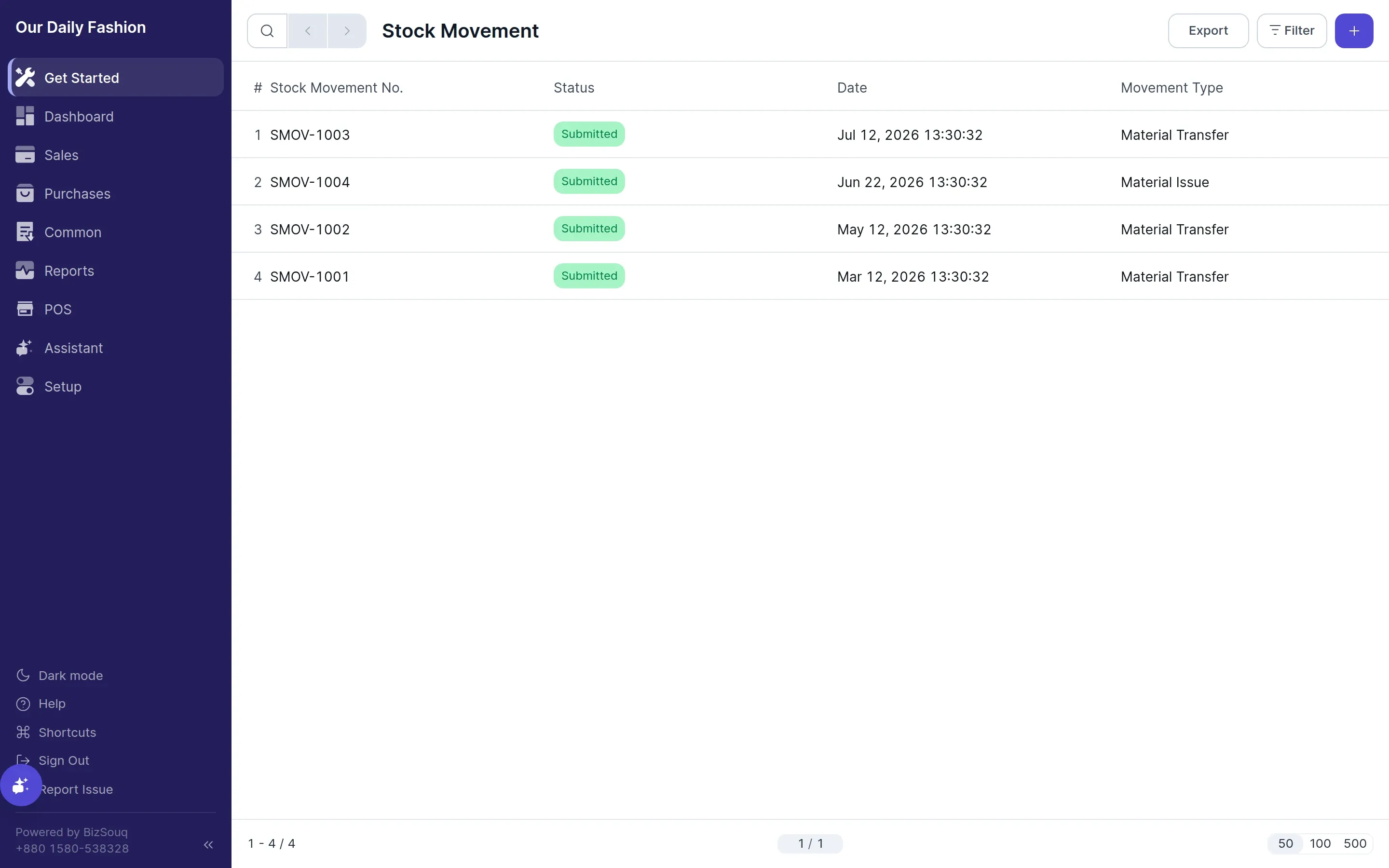
Stock Movement
A stock movement changes stock without a customer or supplier being involved. Available when inventory is enabled in Settings → General → Features.
Movement types
Section titled “Movement types”- Material Issue — stock leaves, for consumption or write-off
- Material Receipt — stock arrives without a purchase
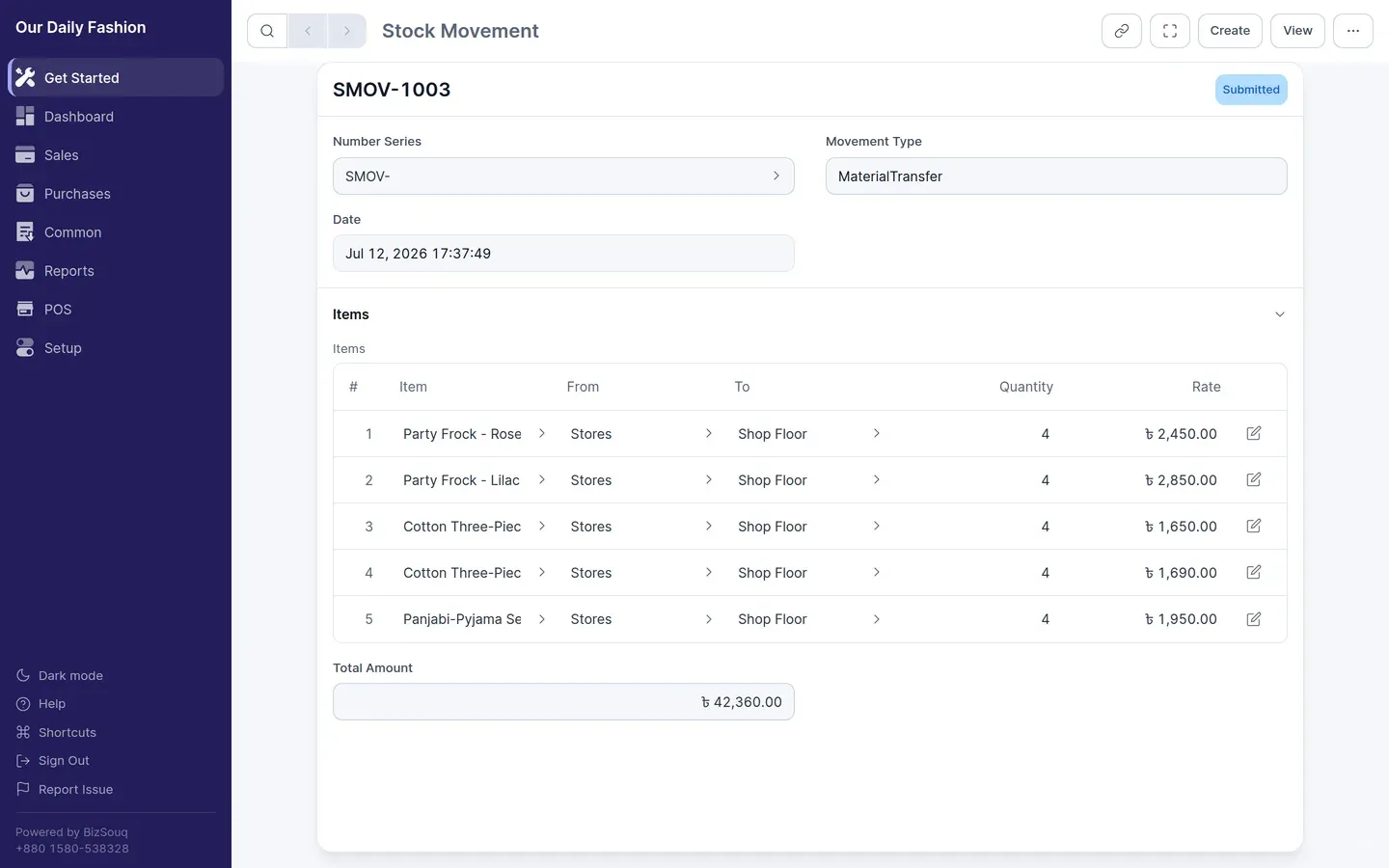
- Material Transfer — stock moves between locations
- Manufacture — inputs are consumed and an output is produced
Locations
Section titled “Locations”Stock is held at a location. A default location is created during setup; add more from Common → Locations if you hold stock in more than one place.
Valuation
Section titled “Valuation”Movements post against your stock accounts using the valuation method set in Settings → Inventory. The resulting entries show in the stock ledger, and value changes flow to the general ledger.