Stock Ledger
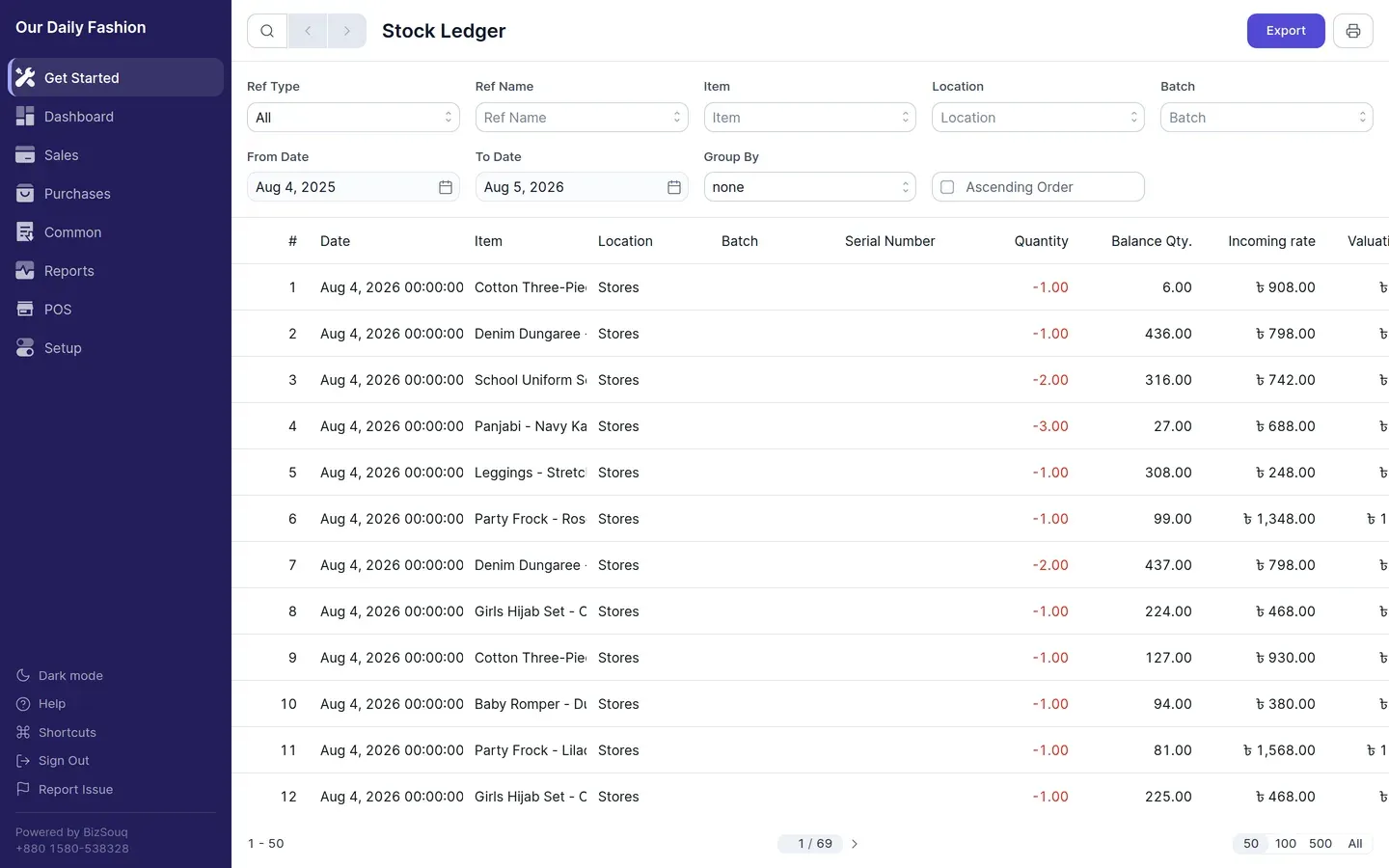
The stock ledger lists every entry that changed stock, in order. It is the inventory equivalent of the general ledger.
Reading it
Section titled “Reading it”Each row shows the date, item, location, quantity in or out, the valuation rate applied, the resulting value change, and a link to the document that caused it.
Entries come from purchase receipts, shipments, stock movements and, where stock is tracked, invoices.
Filters
Section titled “Filters”Filter by date range, item and location. To explain a quantity in stock balance, filter this report to the same item and location.
Availability
Section titled “Availability”Requires inventory to be enabled in Settings → General → Features.