Stock Balance
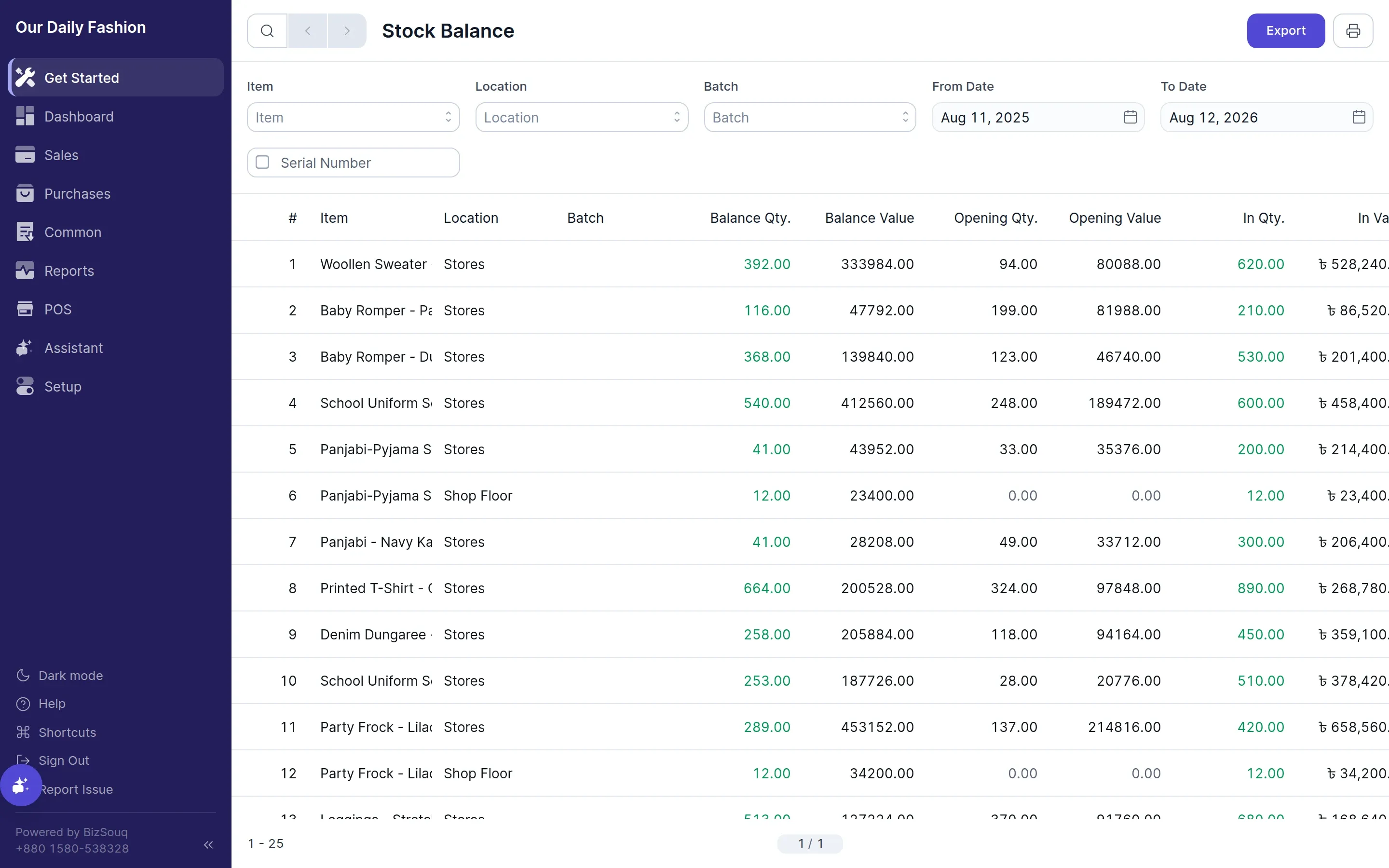
Stock balance shows what you are holding right now: quantity and value per item, broken down by location.
Reading it
Section titled “Reading it”Each row gives opening quantity and value, quantity in and out over the period, and the closing balance. The closing value is what appears as stock on your balance sheet.
Valuation
Section titled “Valuation”Value is calculated using the valuation method configured in Settings → Inventory. Changing the method affects how future movements are valued.
Reconciling
Section titled “Reconciling”If the figure here does not match a physical count, use a stock movement of type Material Receipt or Material Issue to correct it, so the adjustment is recorded rather than silently overwritten.
Availability
Section titled “Availability”Requires inventory to be enabled in Settings → General → Features.