Purchase Invoices
A purchase invoice records a bill from a supplier and what you now owe them. Create one from Purchases → Purchase Invoices.
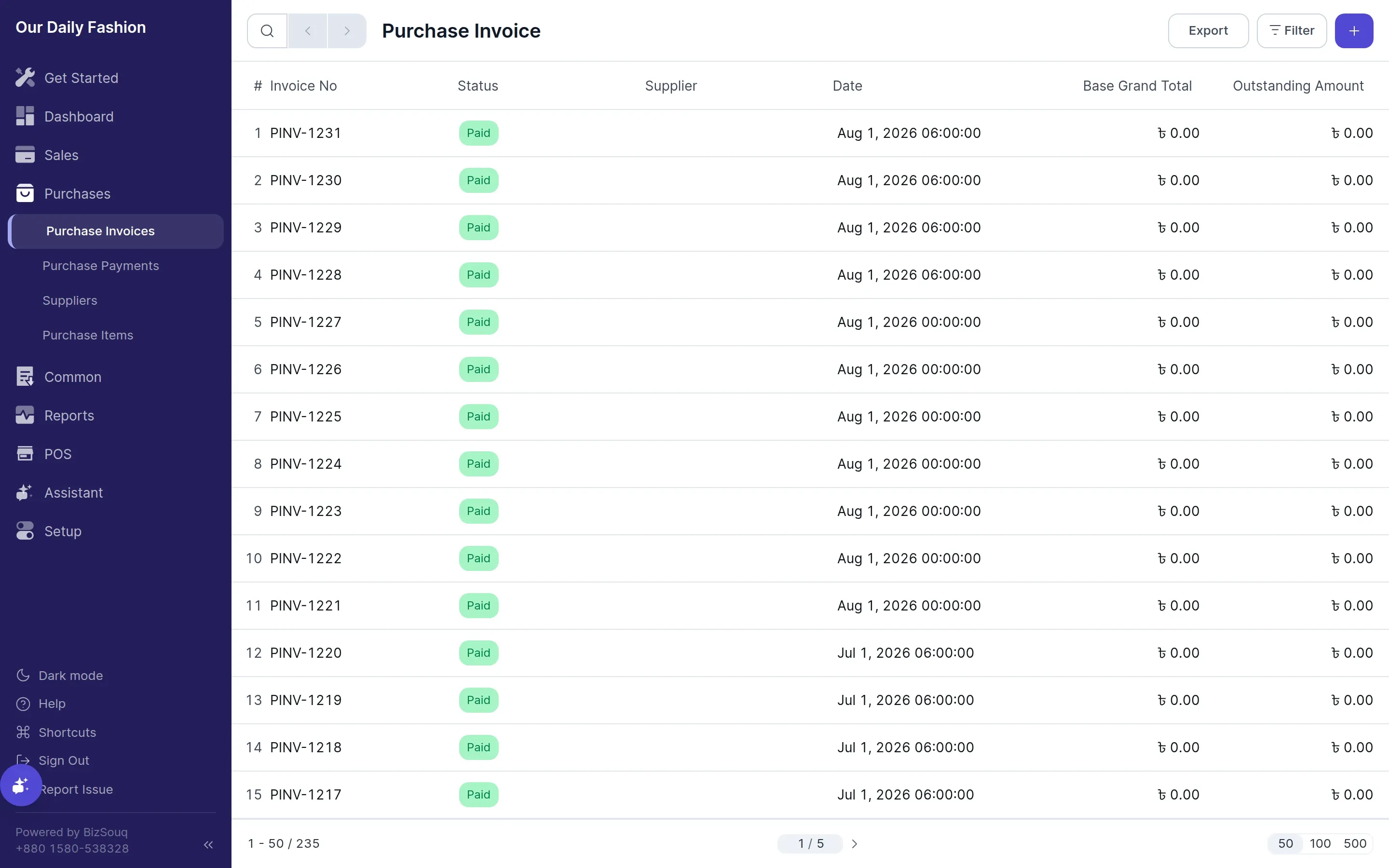
Creating Purchase Invoices
Section titled “Creating Purchase Invoices”Pick the supplier, set the date, and add a row per item with quantity and rate. Rates default from the item’s purchase rate where one is set.
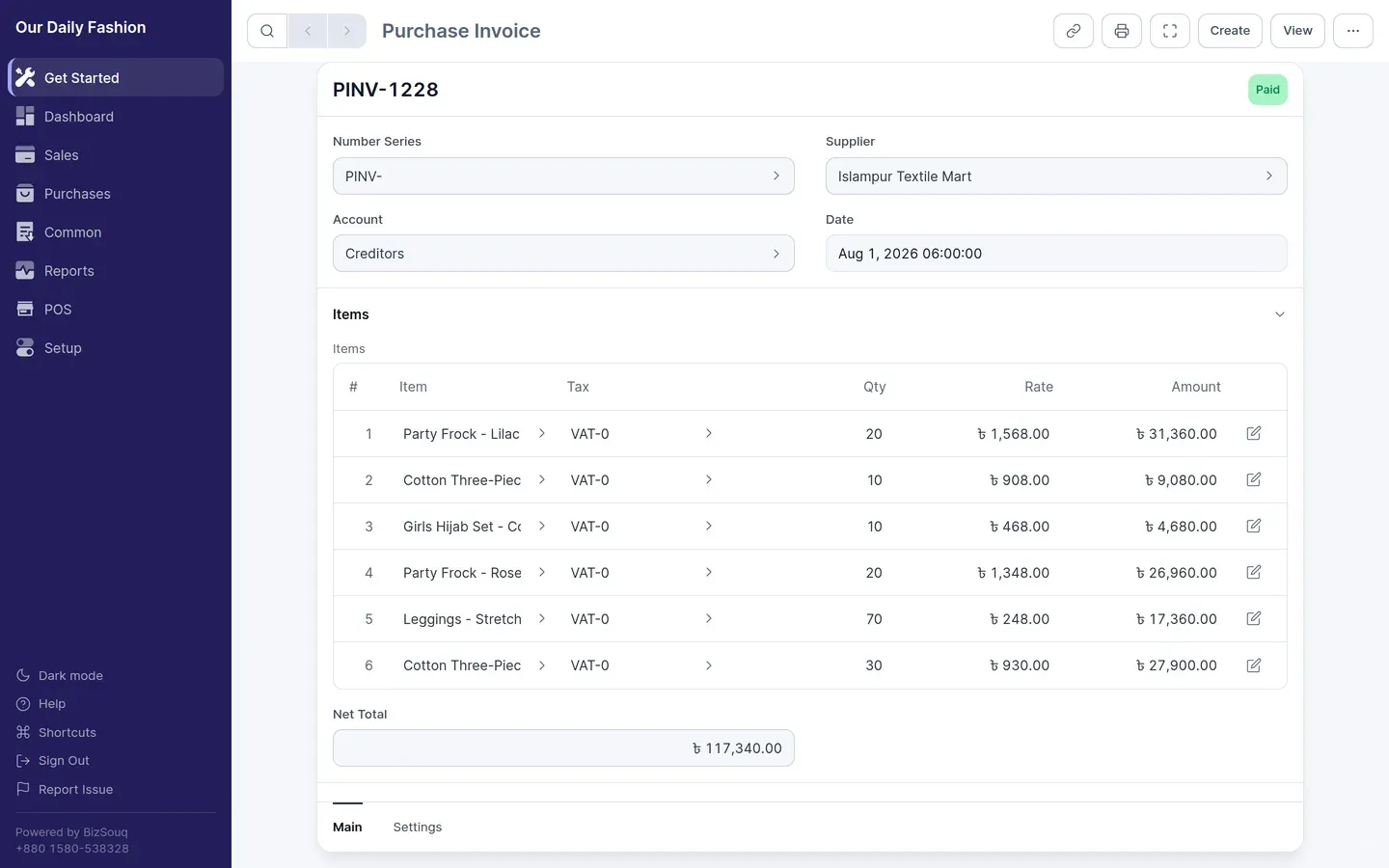
Apply a tax template if the bill carries tax. In Bangladesh, input VAT you can reclaim posts to VAT Current Account under Tax Assets, while VAT you must withhold on the supplier’s behalf posts to VAT Deducted at Source Payable.
Submitting
Section titled “Submitting”Submitting credits the supplier’s payable account and debits the relevant expense or asset accounts, plus tax. Drafts post nothing.
Paying
Section titled “Paying”Record what you pay with a payment against the submitted invoice. The outstanding amount reduces as payments are applied.
Goods received
Section titled “Goods received”If you track inventory, a purchase receipt records the goods arriving, which is separate from the bill arriving. Where goods are received before the invoice, the value sits in Stock Received But Not Billed until the invoice is posted.