Taxes
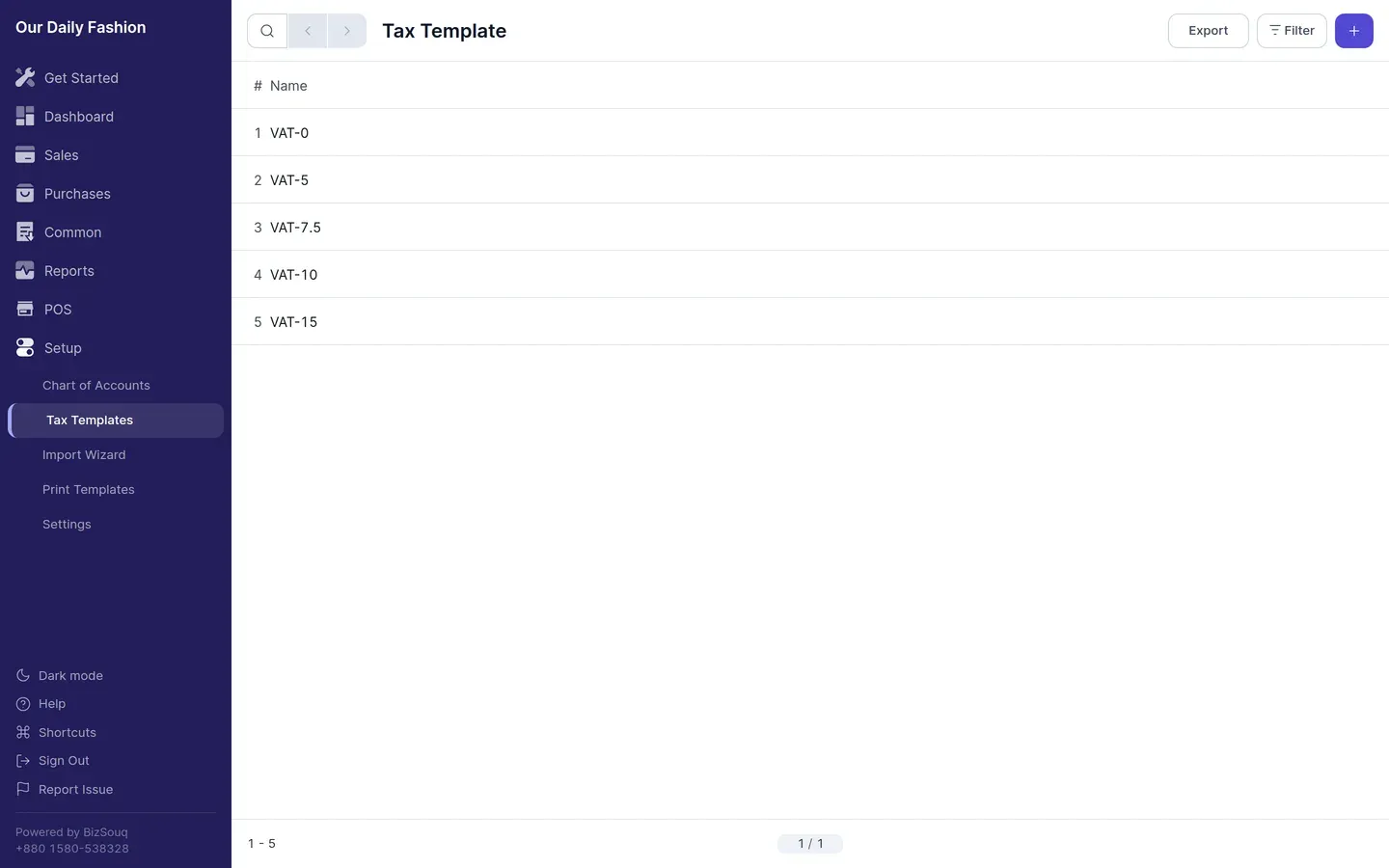
A tax template is a named set of tax rates. You apply the template to a transaction rather than entering rates by hand each time. Manage them from Setup → Tax Templates.
Structure
Section titled “Structure”A template holds one or more rows, each with an account and a rate. Multiple rows let one template cover taxes that apply together.
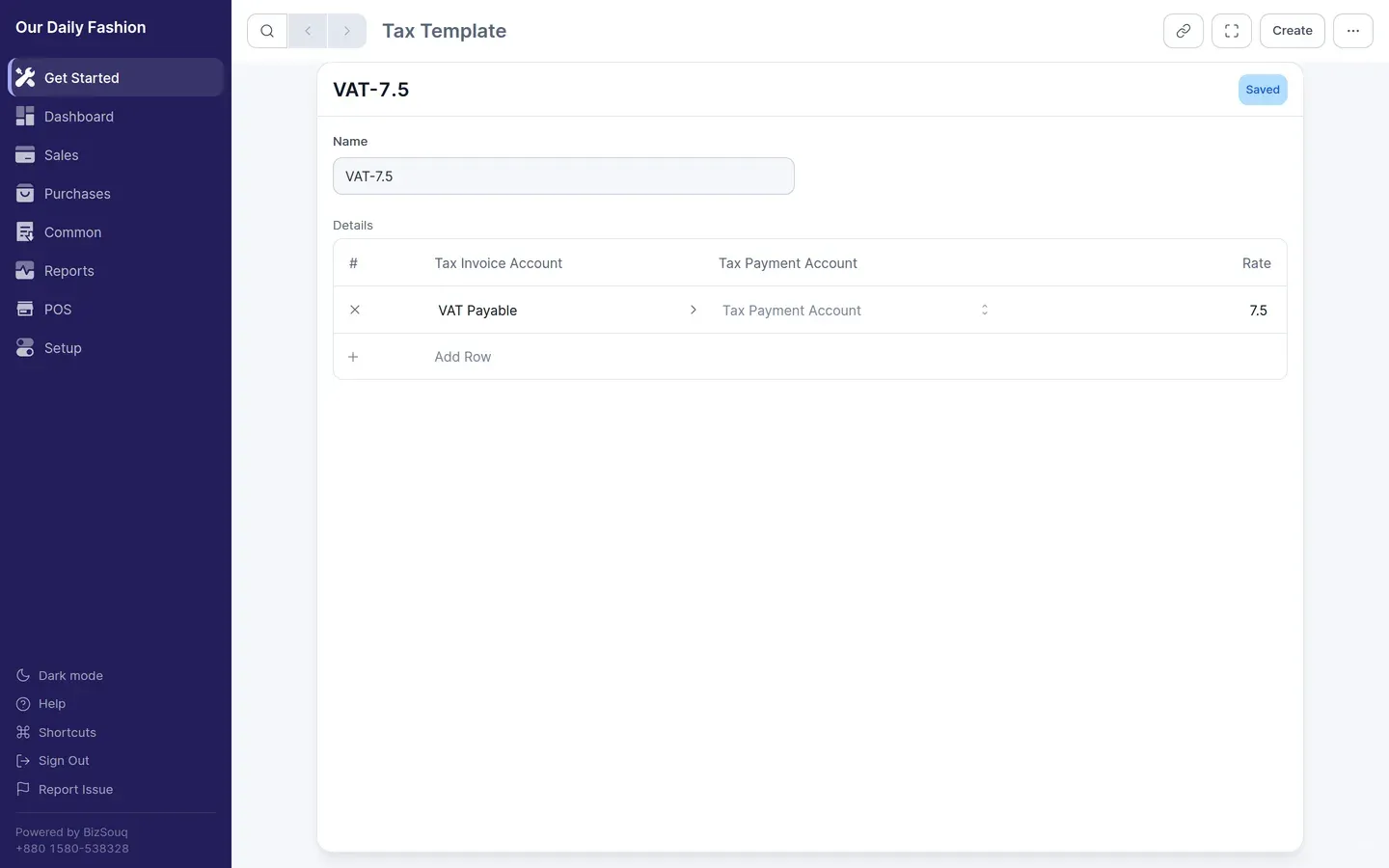
The account on each row decides where the tax posts. In the Bangladesh chart of accounts, VAT Payable sits under Duties and Taxes, alongside accounts for VAT Deducted at Source, Supplementary Duty and Customs Duty.
Applying tax
Section titled “Applying tax”Set a default tax template on an item so it fills in automatically, or choose one on the transaction. Tax is calculated on the taxable amount after discounts.
VAT in Bangladesh
Section titled “VAT in Bangladesh”The standard rate is 15%, with reduced rates for certain goods and services. Output VAT you charge customers is a liability; input VAT you pay suppliers is recoverable and posts to VAT Current Account under Tax Assets. Where you are required to withhold VAT on a supplier’s behalf, that posts to VAT Deducted at Source Payable.
Create one template per rate you actually charge, and check the rates against current NBR guidance — they change.