Chart of Accounts
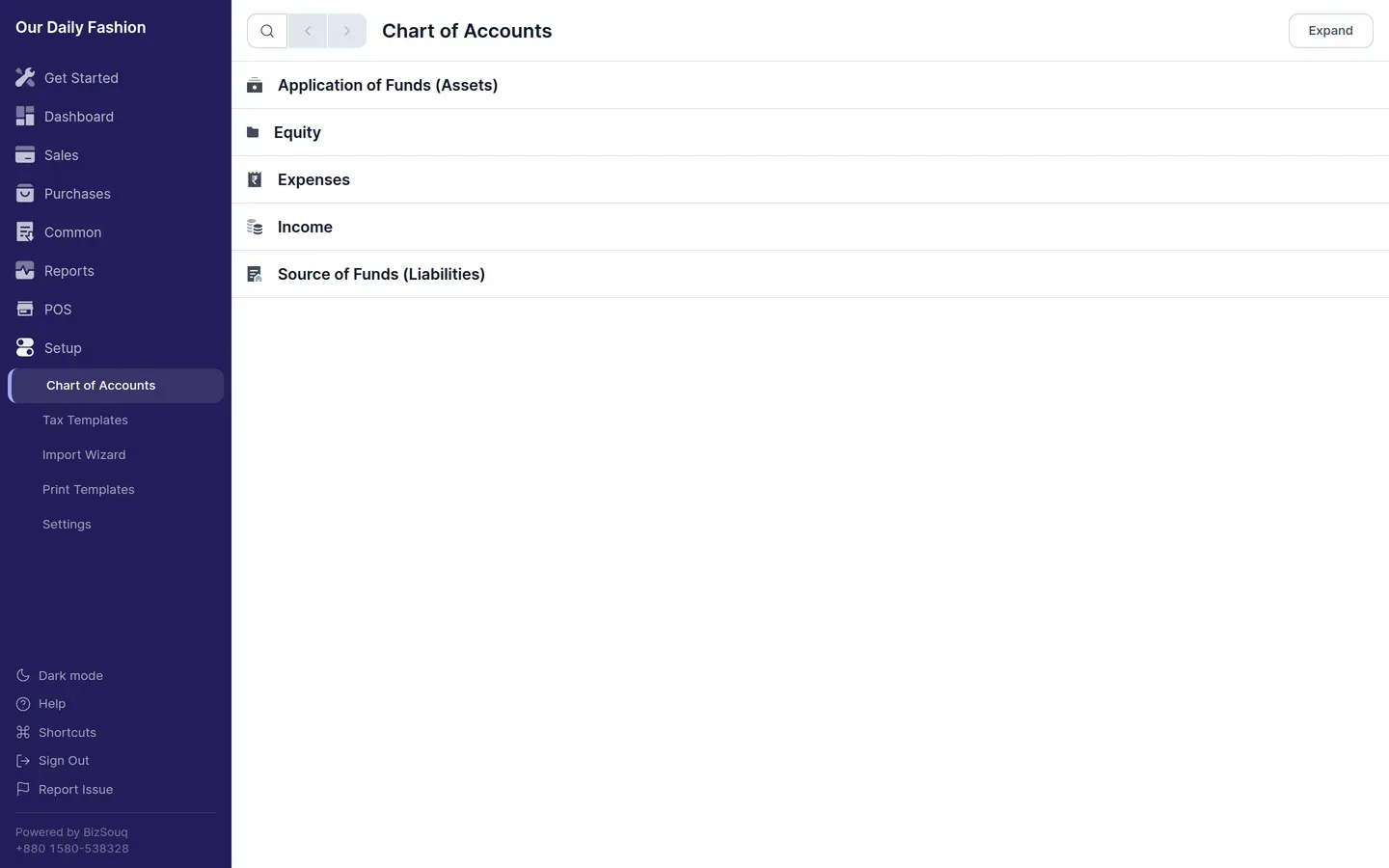
The chart of accounts is the tree of accounts your books post against. Open it from Setup → Chart of Accounts.
Root types
Section titled “Root types”Every account sits under one of five roots, which determine how it is reported:
| Root | Meaning |
|---|---|
| Asset | What the business owns |
| Liability | What the business owes |
| Equity | The owners’ stake |
| Income | Revenue earned |
| Expense | Costs incurred |
Assets and liabilities appear on the balance sheet; income and expenses on the profit and loss.
Groups and ledgers
Section titled “Groups and ledgers”A group account holds other accounts and cannot be posted to. A ledger account is a leaf and is what transactions actually reference. The folder icon in the tree marks a group.
Account types
Section titled “Account types”Beyond the root type, an account can carry an account type such as Bank, Cash, Receivable, Payable, Stock, Tax or Round Off. The app uses these to find the right account automatically — for example, a new bank account is created under the group marked Bank, and rounding differences post to the account marked Round Off.
Choosing a chart
Section titled “Choosing a chart”You pick a chart when you first set up your company. Bangladesh, India, U.A.E., Singapore, Indonesia and several others ship with a country-specific chart; otherwise the standard chart is used.
The Bangladesh chart includes the local statutory accounts you would otherwise have to add by hand — VAT Payable, VAT Deducted at Source, Supplementary Duty, Advance Income Tax, and payables for Provident Fund, Gratuity and the Workers’ Profit Participation Fund.
Adding an account
Section titled “Adding an account”Select the parent group and add a child account under it. Give it a name, confirm the root type it inherits, and set an account type if the app needs to find it automatically.