Settings
Settings are grouped into tabs, reached from Setup → Settings. Changes are saved with the Save button and most take effect after a reload, which the app offers to do for you.
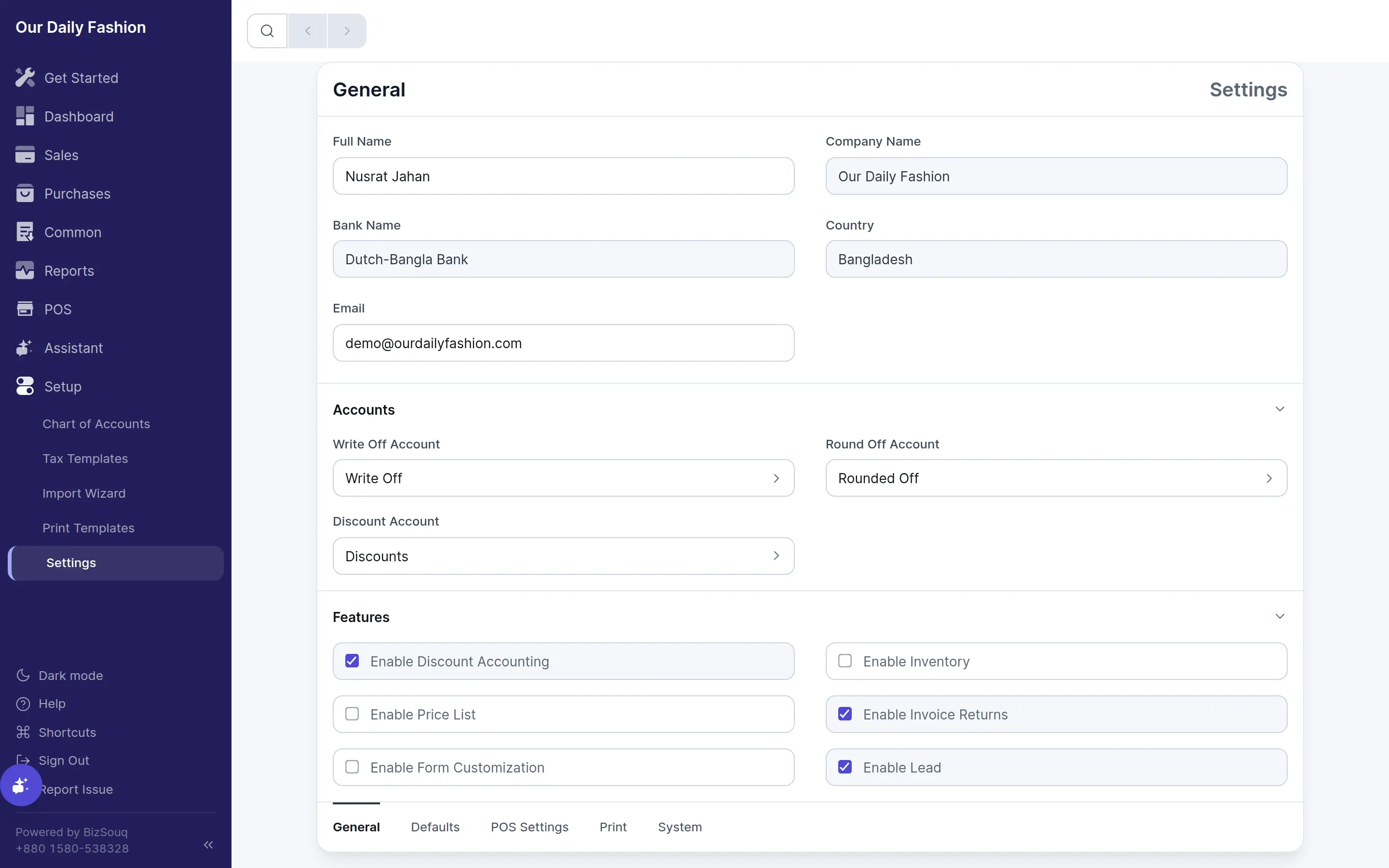
General
Section titled “General”Company name, your name, contact email, country and bank name. Also:
- Accounts — the write-off, round-off and discount accounts the app posts to automatically
- Features — switches for inventory, price lists, invoice returns, discount accounting, loyalty programs, pricing rules, item groups, partial payment and point of sale
- Fiscal Year — start and end dates, defaulted from your country
- Display — the interface language
Turning a feature on reveals its own settings tab and its entries in the sidebar. Turning one off hides them; it does not delete data.
Logo, colour, template and the address and contact details printed on documents.
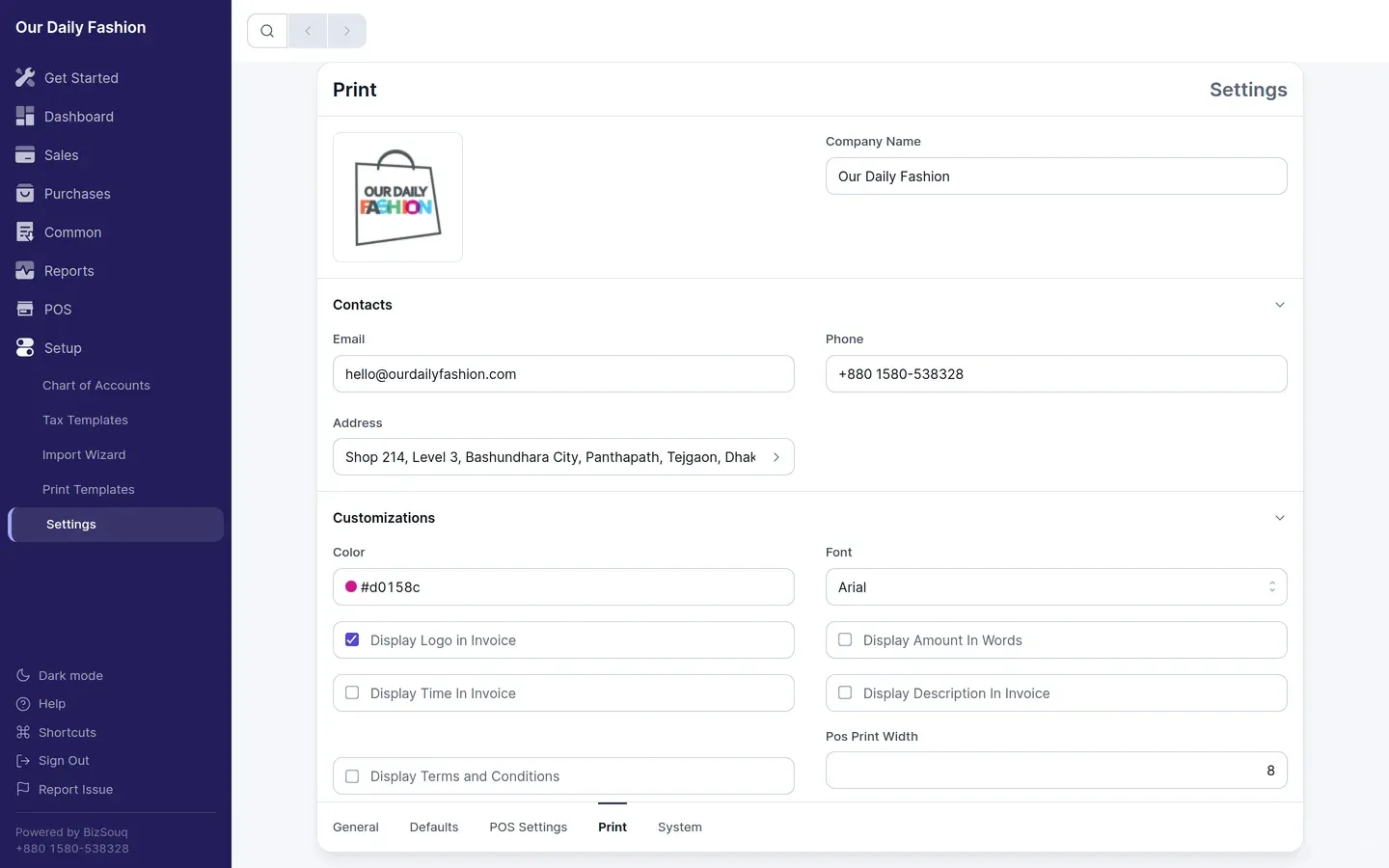
Inventory
Section titled “Inventory”Valuation method, default location, and whether batches and serial numbers are tracked. Only shown when inventory is enabled.
Defaults
Section titled “Defaults”The default numbering series for each document type. See number series.
System
Section titled “System”Date format, number format and display precision.
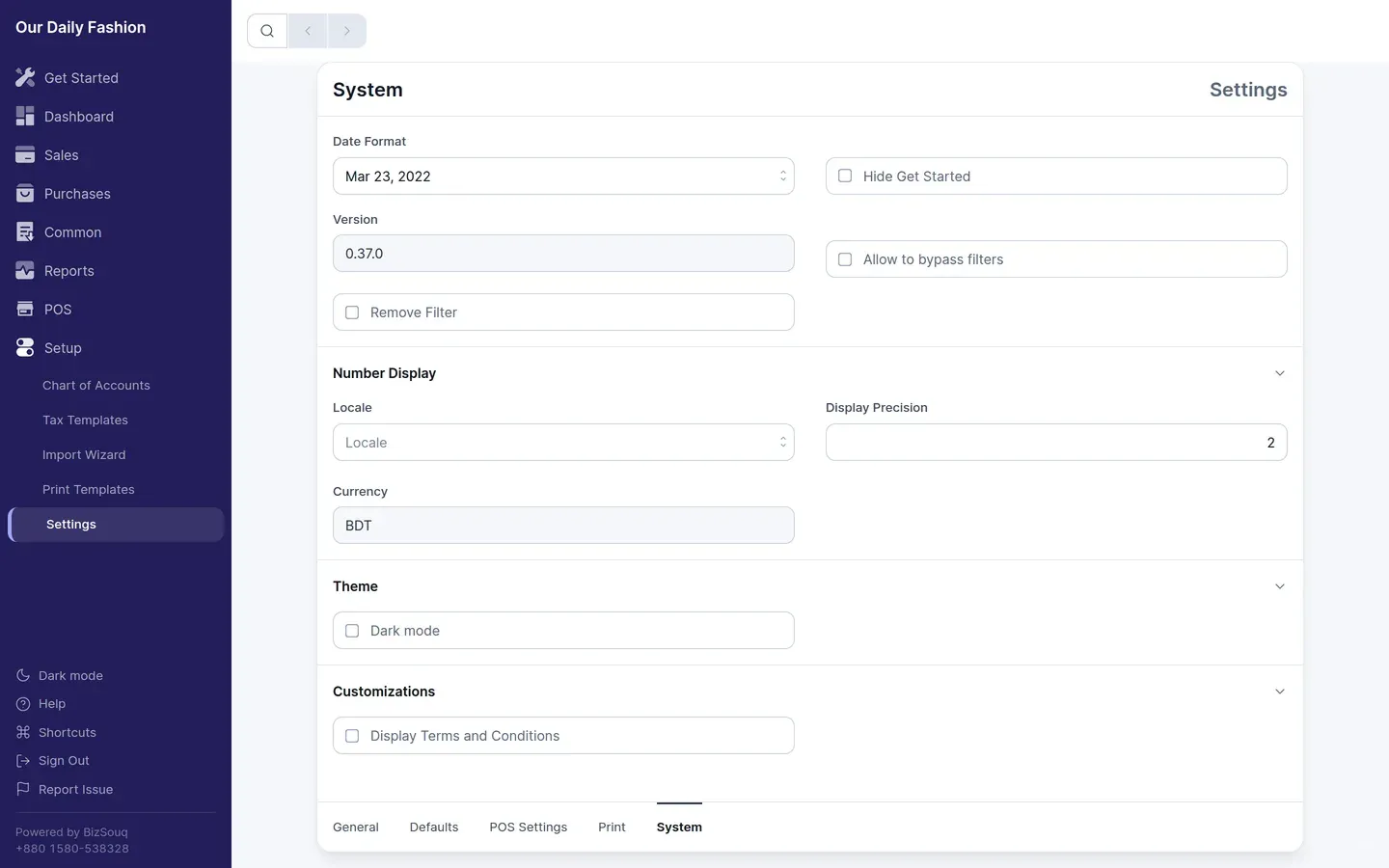
Language
Section titled “Language”The language selector sits under General → Display. It is stored per browser rather than per company, so each person using the same books can work in their own language. Changing it prompts to reload, since translated text is applied at load.