Payments
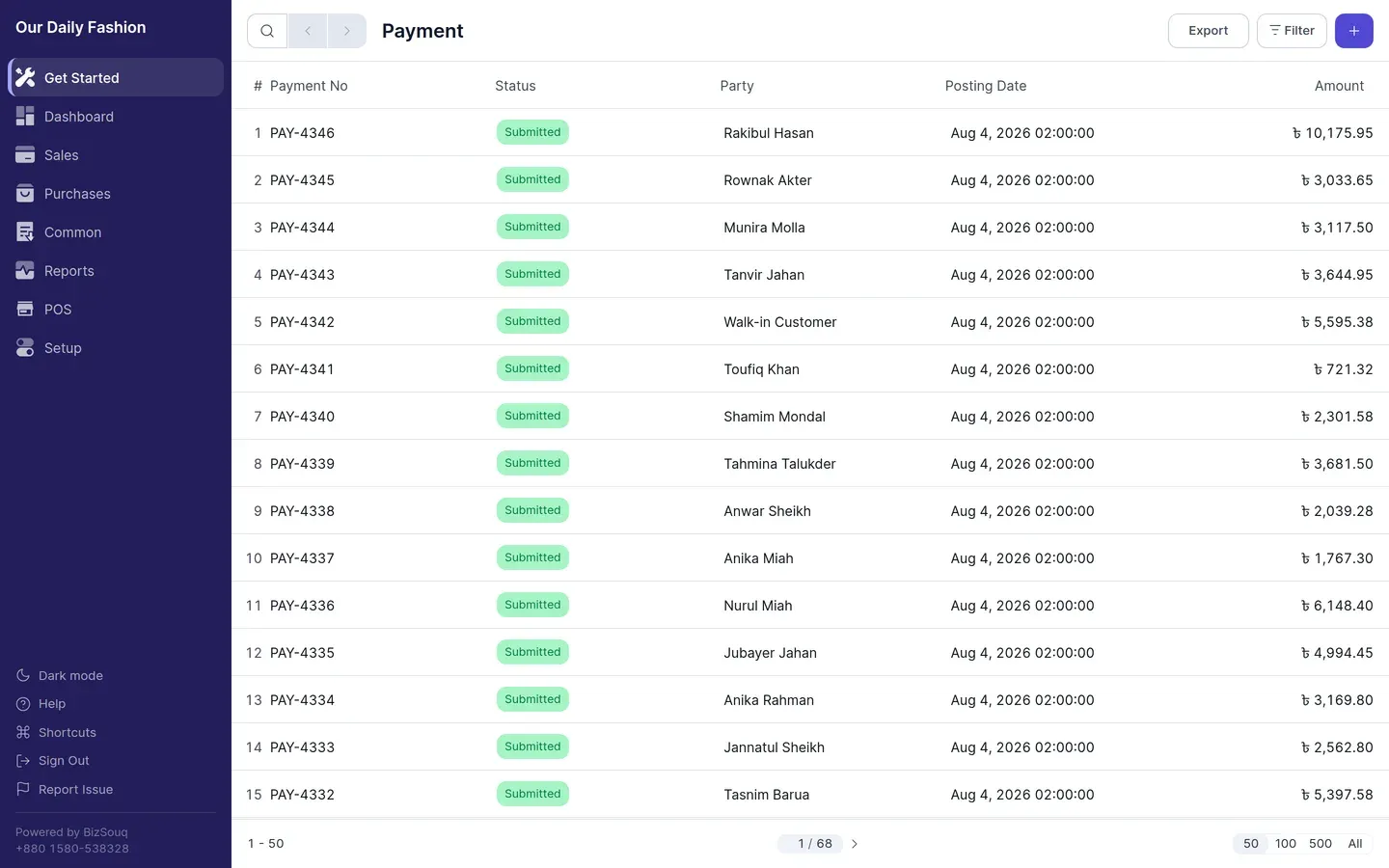
A payment records money actually moving. Create one from Common → Payments, or directly from a submitted invoice.
Receive and Pay
Section titled “Receive and Pay”A payment is either a Receive (money in from a customer) or a Pay (money out to a supplier). The type determines which accounts are debited and credited.
Against an invoice
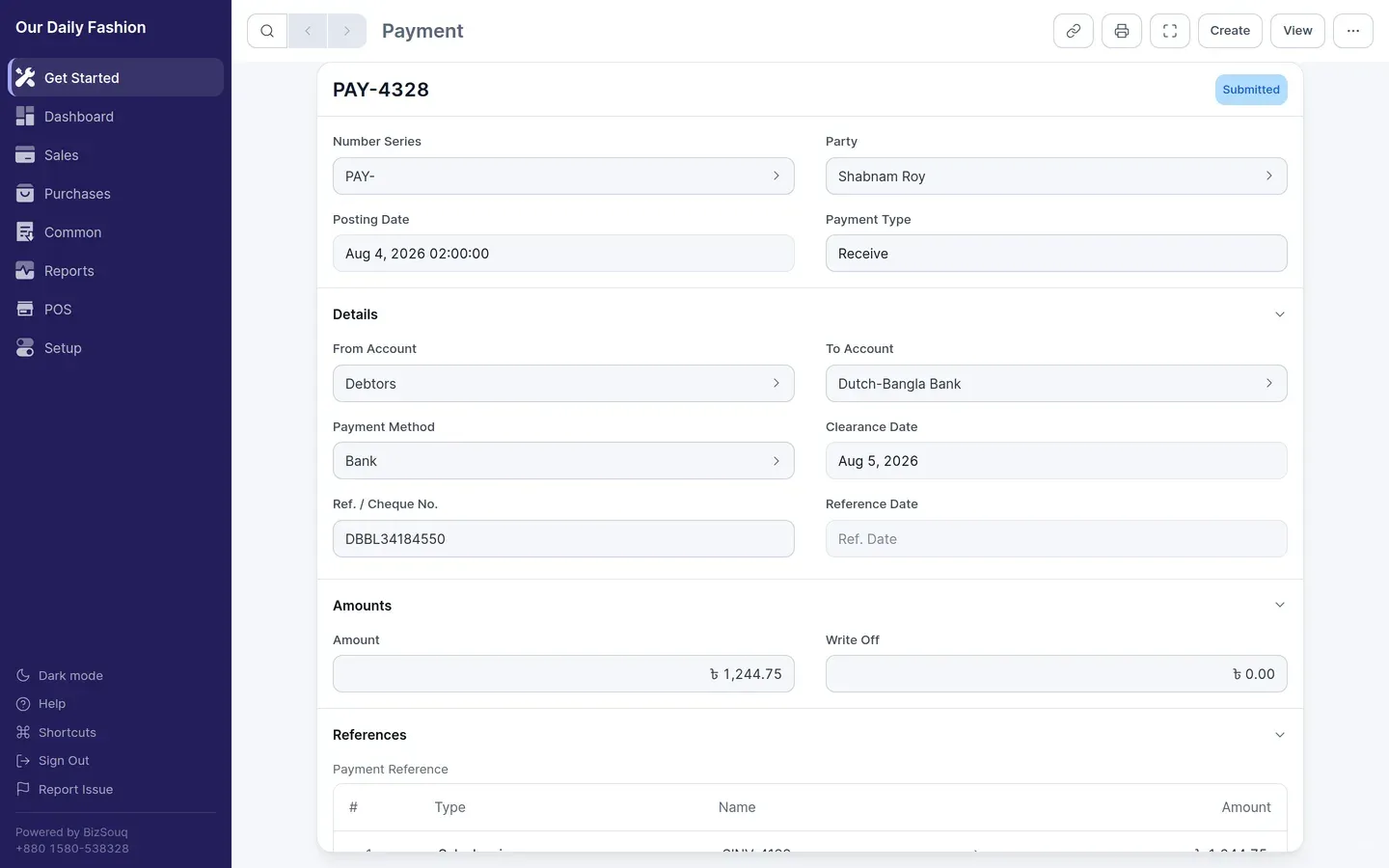
Section titled “Against an invoice”Creating a payment from a submitted invoice pre-fills the party and the outstanding amount. The invoice’s outstanding balance reduces when the payment is submitted.
A payment can be applied across several invoices for the same party.
Payment methods
Section titled “Payment methods”The payment method determines the account money moves through — cash, bank transfer, cheque or card. Manage methods from Common → Payment Methods, each pointing at the relevant account in your chart of accounts.
Partial payments
Section titled “Partial payments”With Enable Partial Payment in Settings → General → Features, a payment can settle part of an invoice, leaving the remainder outstanding.
Write off
Section titled “Write off”If a small balance will never be collected, the difference can be written off to the account set as Write Off Account in Settings → General → Accounts.