Batches
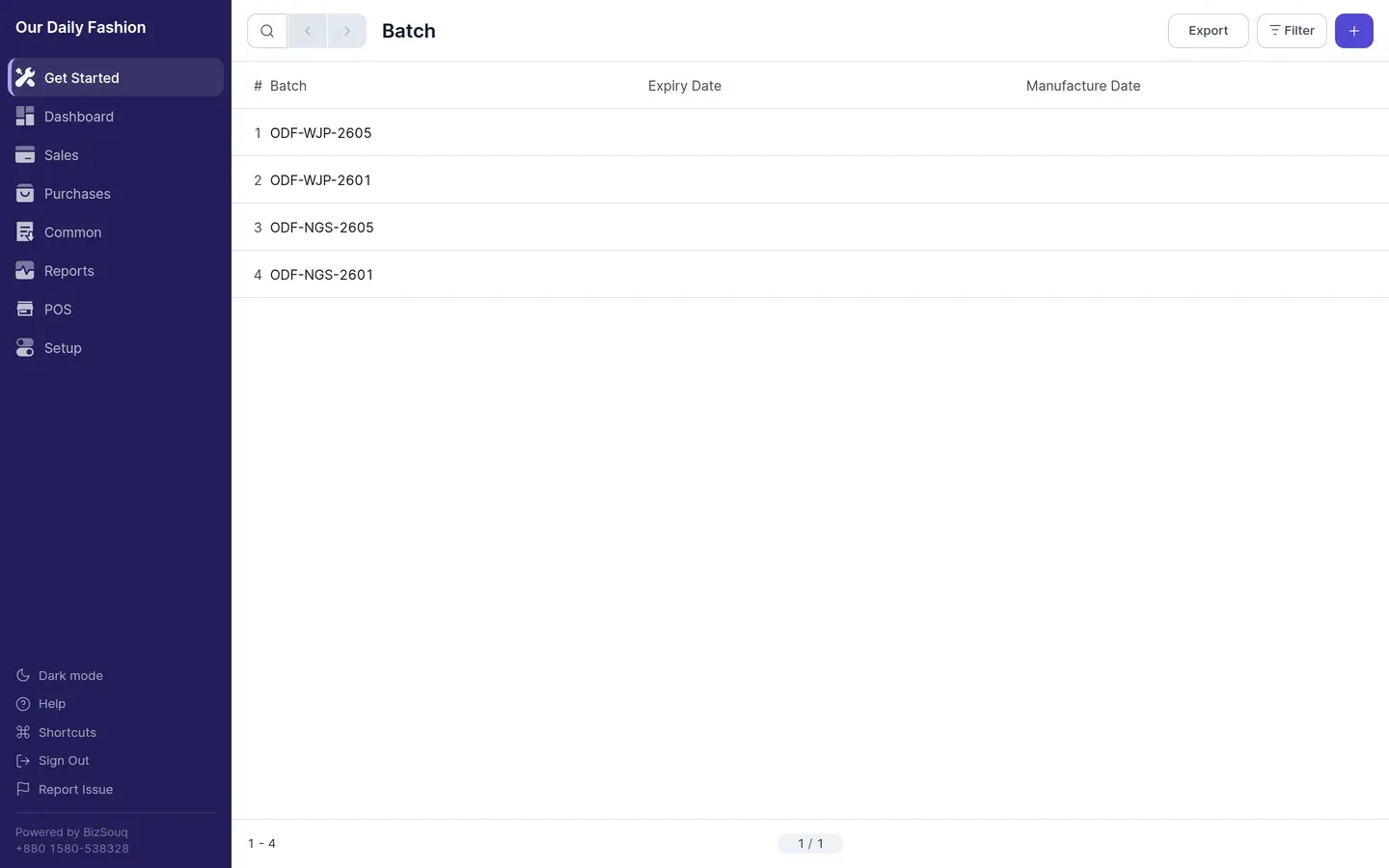
Batches let you track stock in identifiable lots rather than as an anonymous quantity. Useful for goods with expiry dates or where you need to trace a specific lot.
Enabling batches
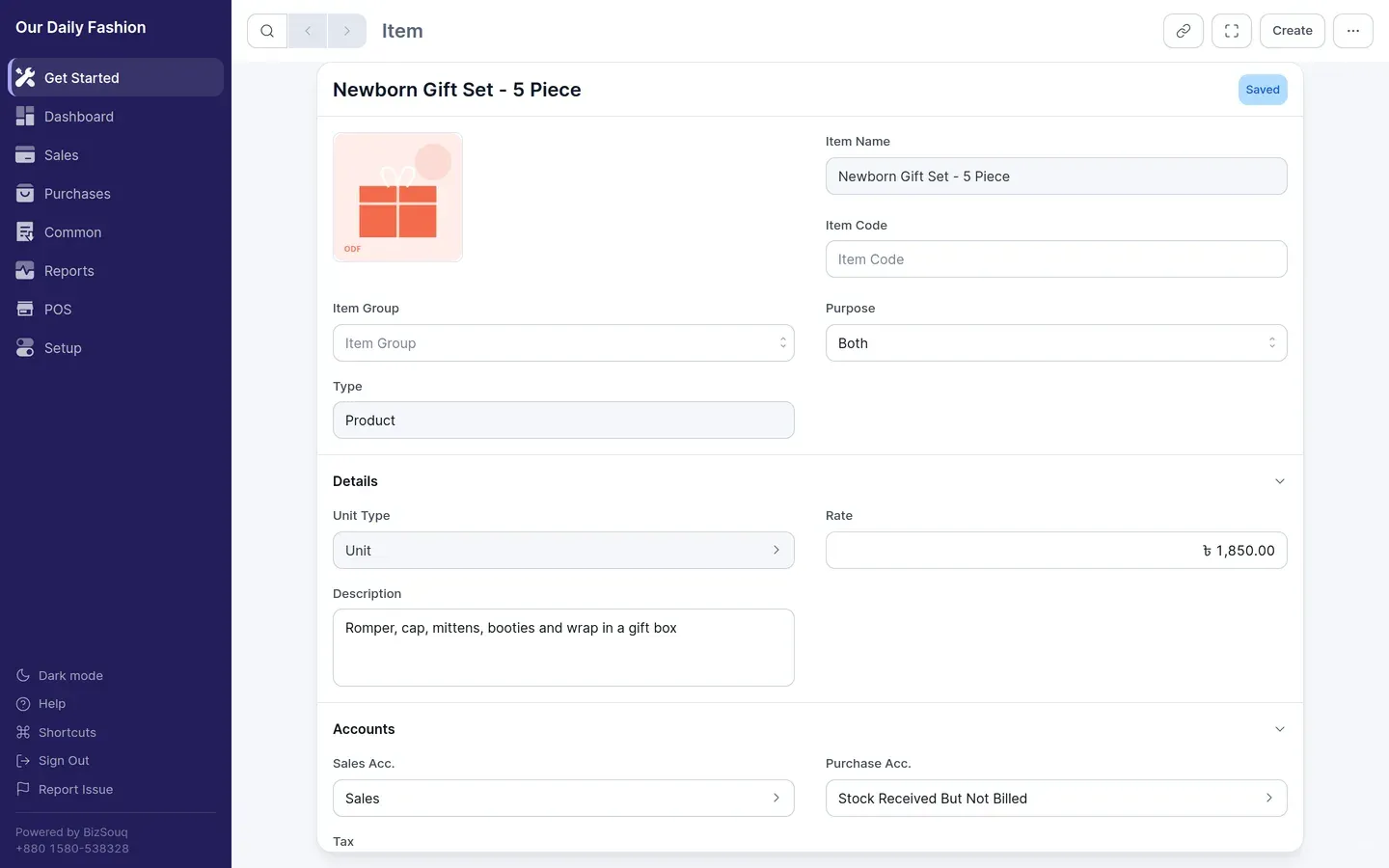
Section titled “Enabling batches”Enable inventory in Settings → General → Features, then turn on batches in Settings → Inventory. Mark the individual items that should be batch-tracked.
Using batches
Section titled “Using batches”Once an item is batch-tracked, every document that moves it — purchase receipts, shipments, stock movements — requires a batch on each line.
A batch carries its own manufacture and expiry dates, so stock of the same item can be distinguished and reported on separately.
Stock reporting
Section titled “Stock reporting”Batch-tracked items appear per batch in the stock ledger and stock balance, so you can see how much of each lot remains.