Print Templates
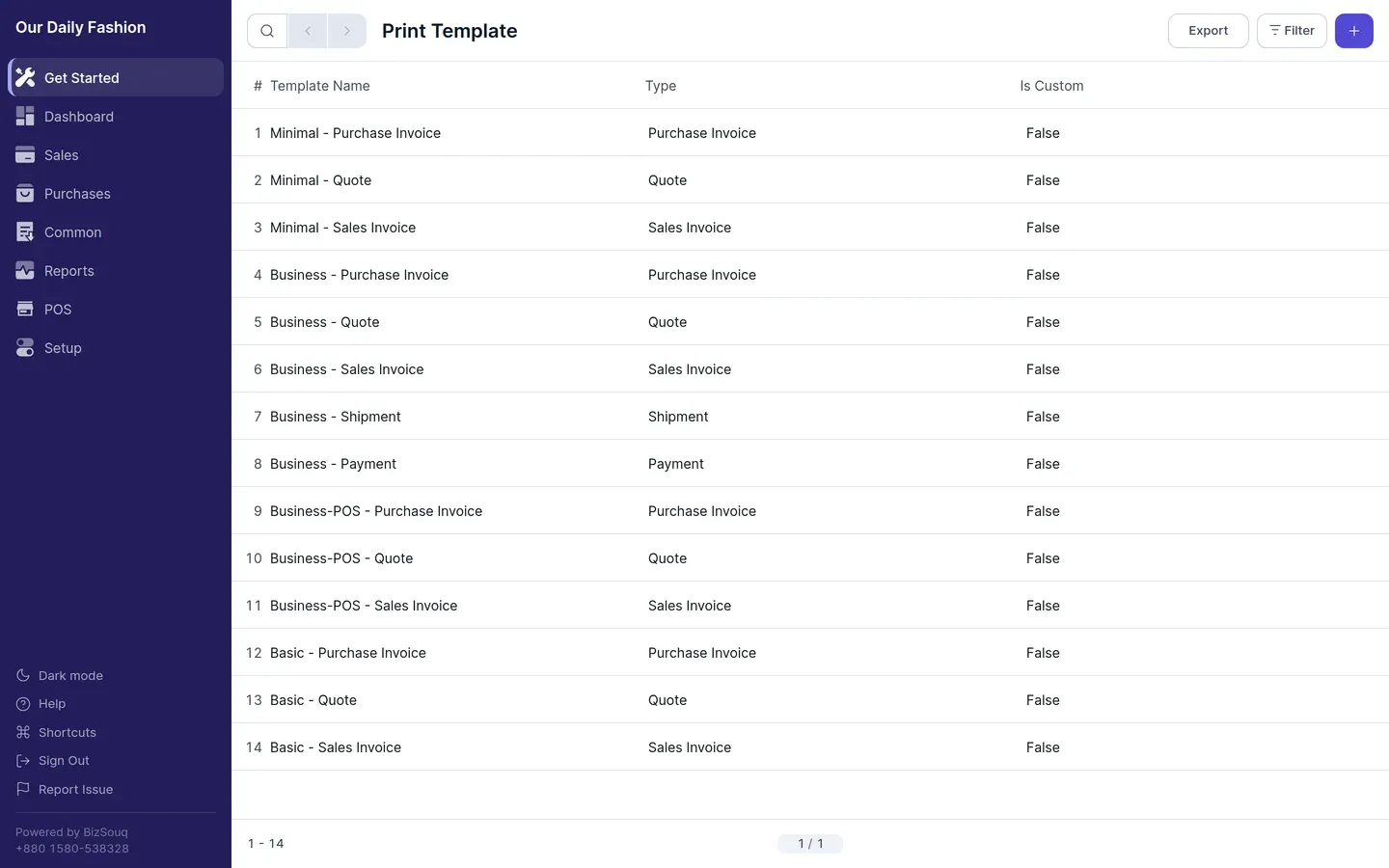
Print templates control the layout of documents you print or send. Manage them from Setup → Print Templates.
Built-in templates
Section titled “Built-in templates”Templates ship for the standard document types — sales invoices, purchase invoices, payments, journal entries and stock documents. Each has a few styles to choose from.
Branding
Section titled “Branding”Set your logo, accent colour, address and contact details in Settings → Print. These apply across templates, so you do not have to edit each one.
Customising
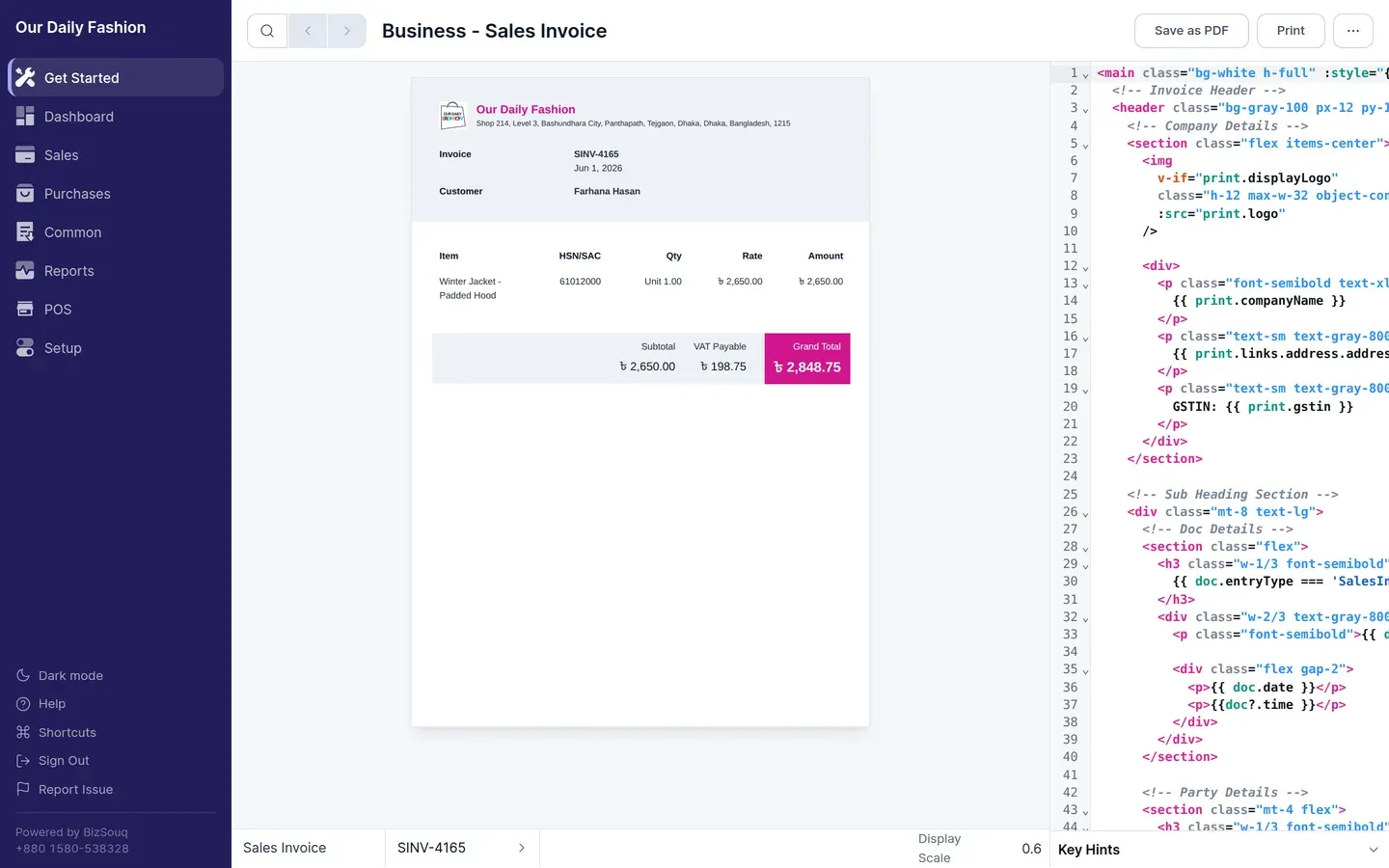
Section titled “Customising”The template builder lets you edit a template’s markup directly and preview it against a real document. Duplicate a built-in template before editing so you can fall back to the original.
Printing
Section titled “Printing”From a submitted document, open the print view, pick a template and print. In the browser this opens your system print dialog, from which you can also save as PDF.