Items
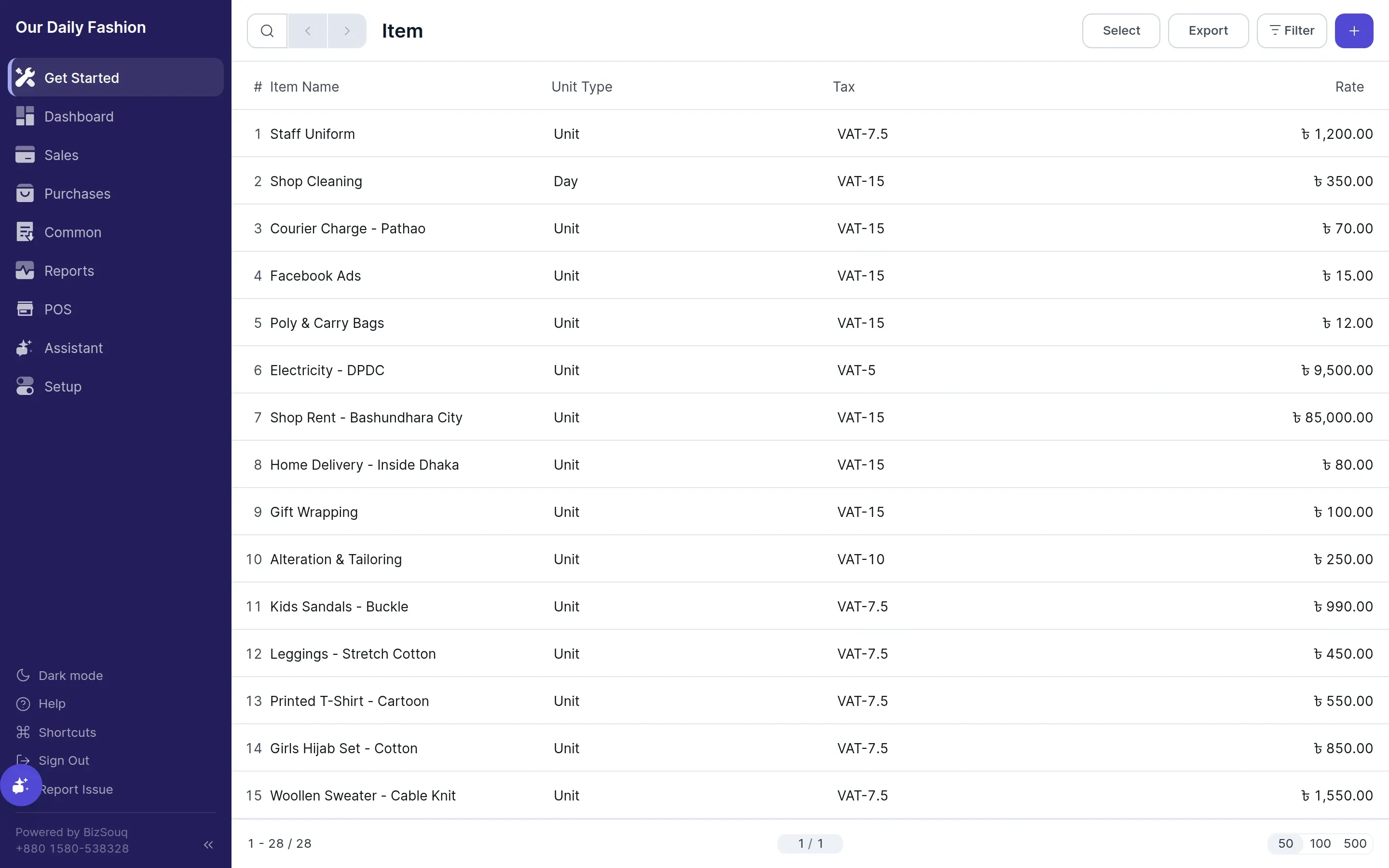
An item is anything you buy or sell. Create them from Common → Items.
Fields
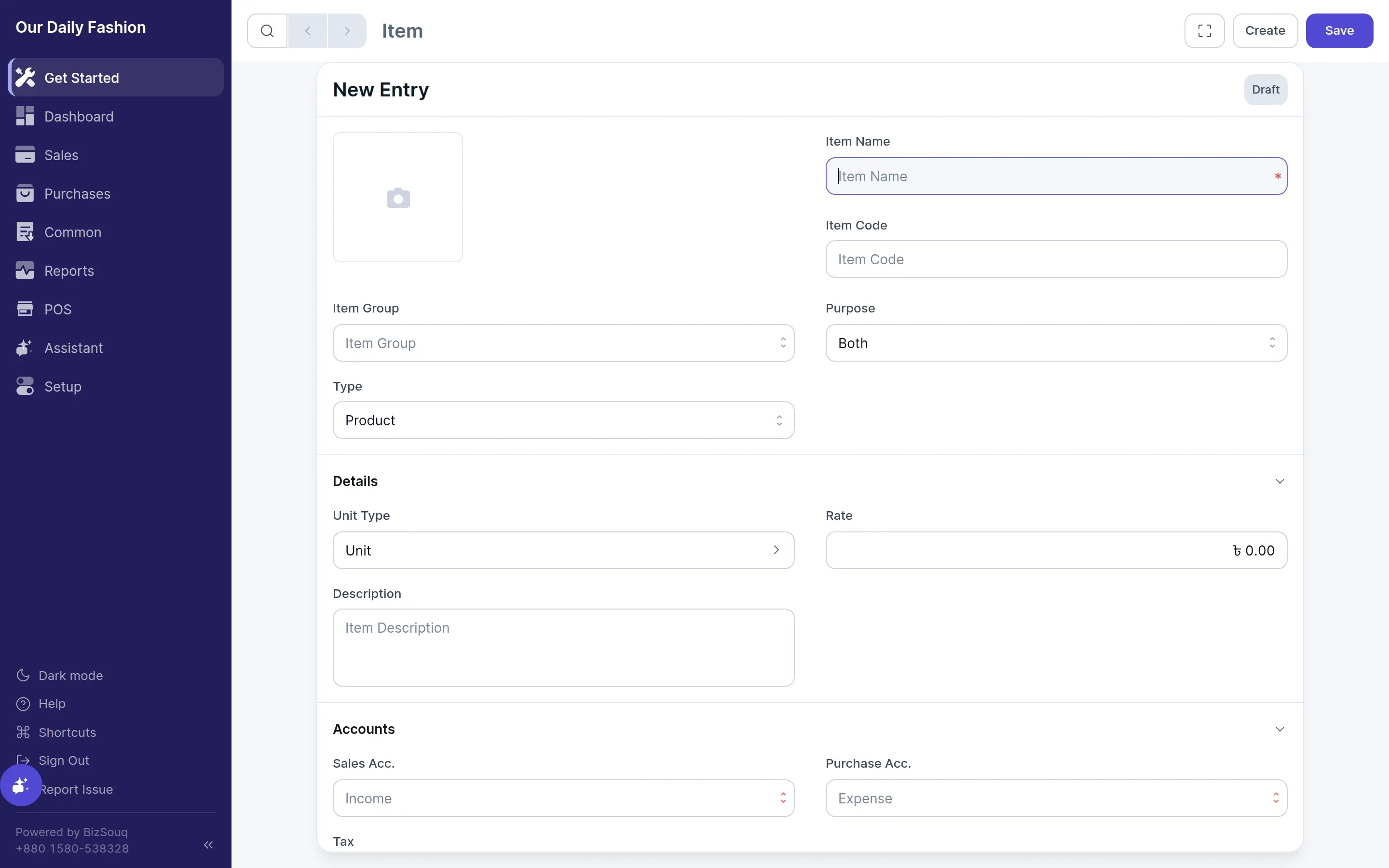
Section titled “Fields”- Name — how the item appears on transactions
- For sale / For purchase — which documents the item can be used on
- Rate — the default price, overridable per line
- Unit of measure — pieces, kilograms, hours and so on
- Tax — a default tax template for this item
- Income and expense accounts — override where sales and purchases of this item post
Stock items
Section titled “Stock items”If inventory is enabled in Settings → General → Features, an item can be marked as maintaining stock. Those items are tracked through the stock ledger and appear in stock balance.
Services and anything you do not hold should be left as non-stock items.
Item groups
Section titled “Item groups”With Enable Item Group switched on, items can be organised into groups for reporting and filtering.
Pricing
Section titled “Pricing”With Enable Price List switched on, an item can carry different rates in different price lists — for example wholesale against retail.