Quick Search
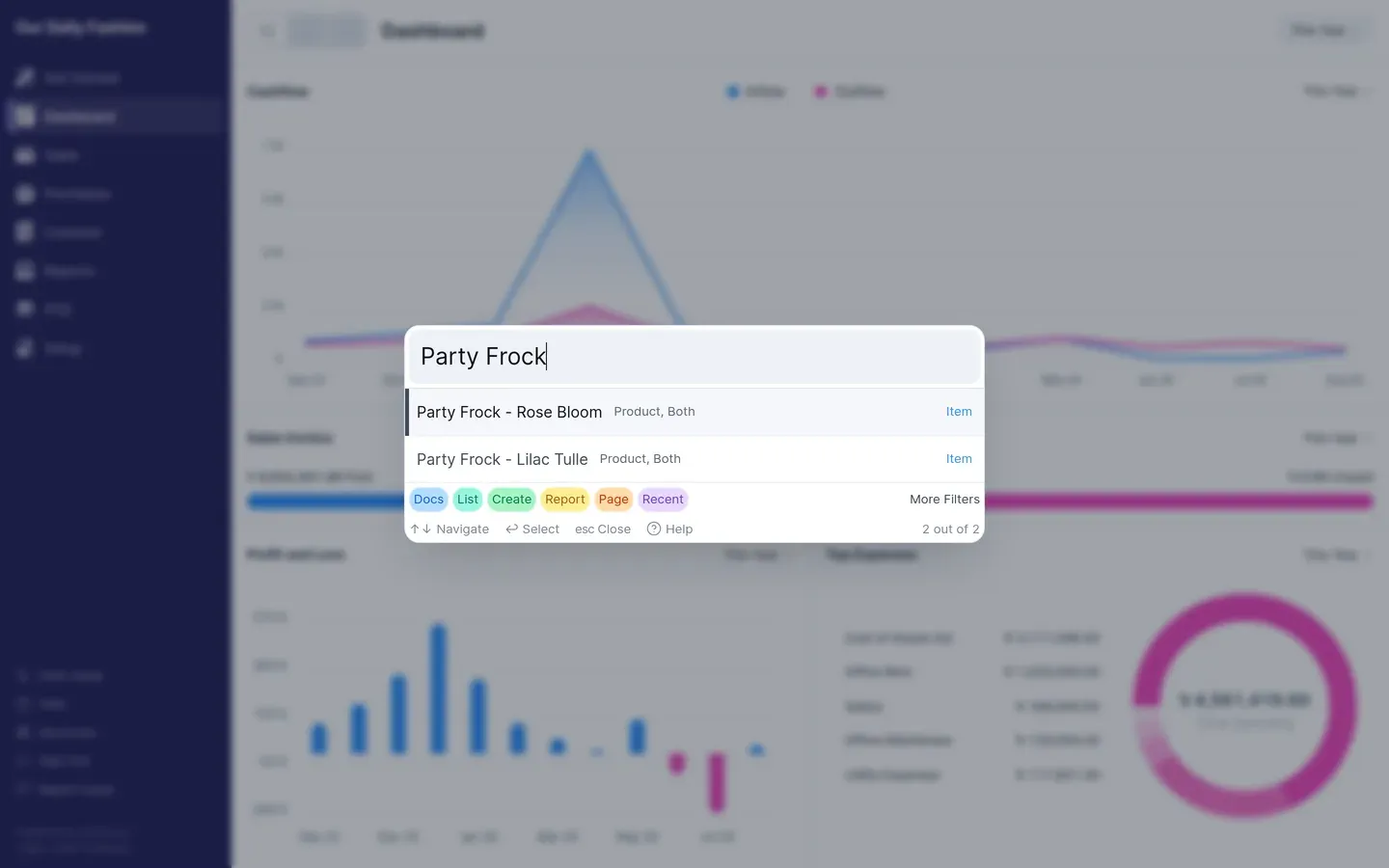
Quick search finds documents and navigates the app without using the sidebar. Open it with the search icon in the top bar, or from the keyboard.
What it searches
Section titled “What it searches”- Documents — invoices, payments, journal entries and other records by name or number
- Lists — the list view for any record type
- Reports — any report by name
- Create — start a new document of a given type
Filtering
Section titled “Filtering”Results are grouped by kind. Narrow to one group when you know what you are after — useful when a party name also matches several invoices.
Keyboard
Section titled “Keyboard”Quick search is built for the keyboard: type to filter, arrow keys to move, Enter to open. The full shortcut list is under Shortcuts at the bottom of the sidebar.