Sales Invoices
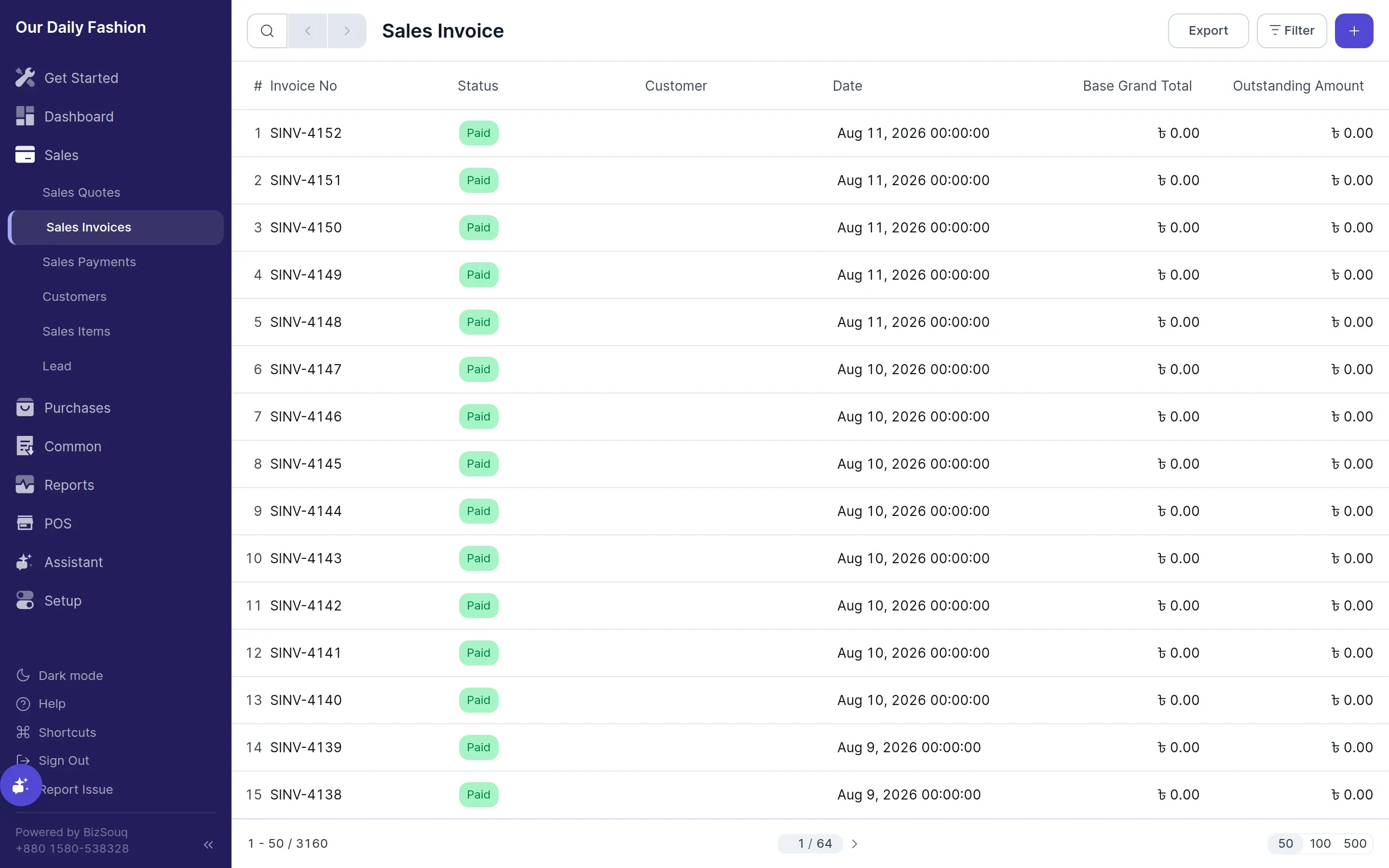
A sales invoice records that you have sold something and that the customer now owes you. Create one from Sales → Sales Invoices.
Creating an invoice
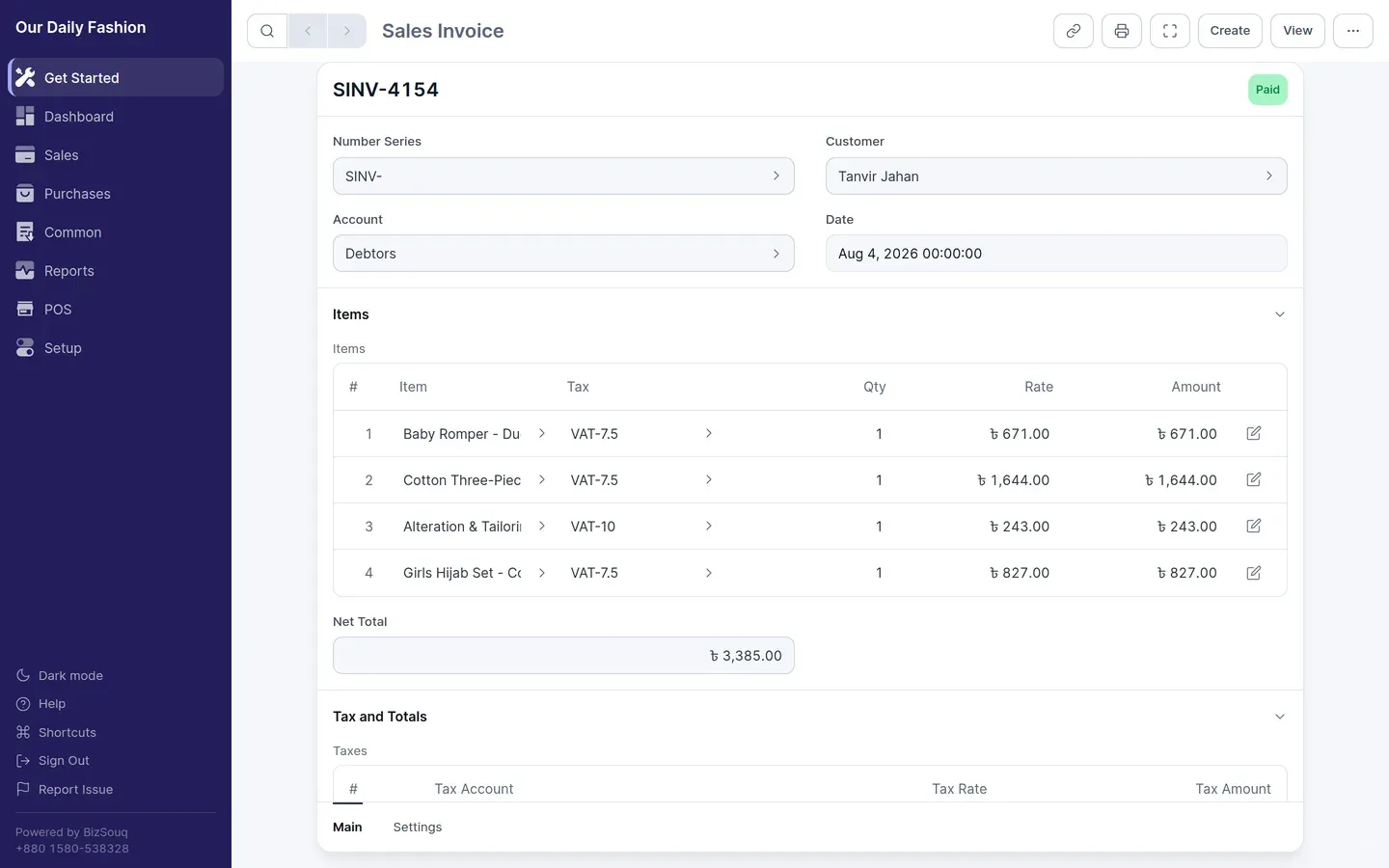
Section titled “Creating an invoice”Pick the customer, set the date, and add a row per item with quantity and rate. The item’s default rate fills in automatically and can be overridden per line.
Taxes and discounts
Section titled “Taxes and discounts”Apply a tax template to add tax to the invoice. Discounts can be given per line or on the invoice total; posting discounts to a separate account requires Enable Discount Accounting in Settings → General → Features.
Submitting
Section titled “Submitting”A draft invoice posts nothing. Submitting it debits the customer’s receivable account and credits your income account, plus any tax accounts. From that point the invoice is final — to change it, cancel it and raise a new one.
Getting paid
Section titled “Getting paid”Record receipt against a submitted invoice with a payment. The invoice’s outstanding amount reduces as payments are applied, and partial payment is supported when enabled in settings.
Returns
Section titled “Returns”With Enable Invoice Returns switched on, you can raise a return against a submitted invoice, which posts the reversing entries for the returned quantity.
Printing
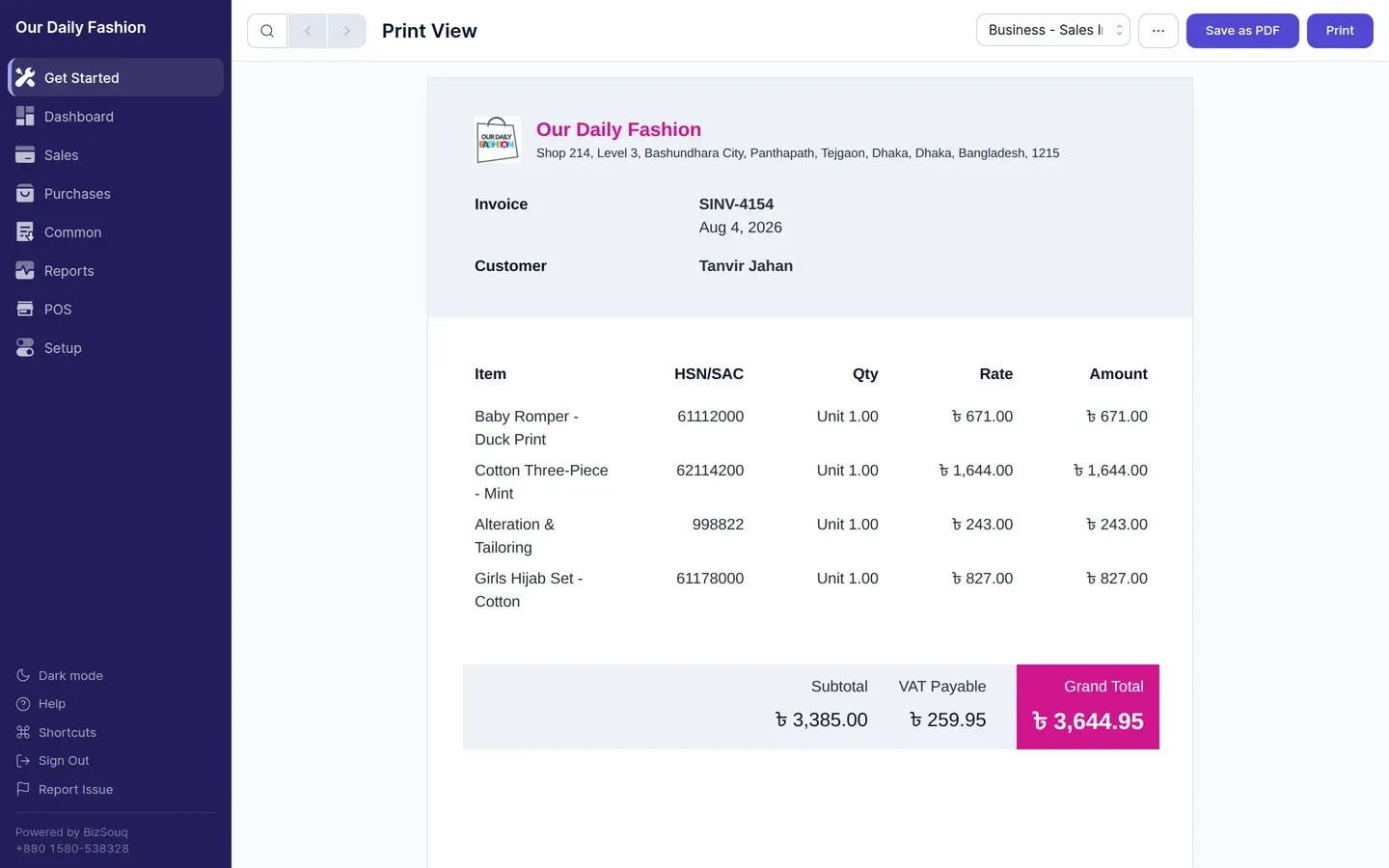
Section titled “Printing”Invoices print through a print template. Pick the template and customise the logo, colour and address details in Settings → Print.