Create initial entries
Before you can raise an invoice you need a few records in place. The Set Up Your Workspace checklist on the Get Started page walks through these.
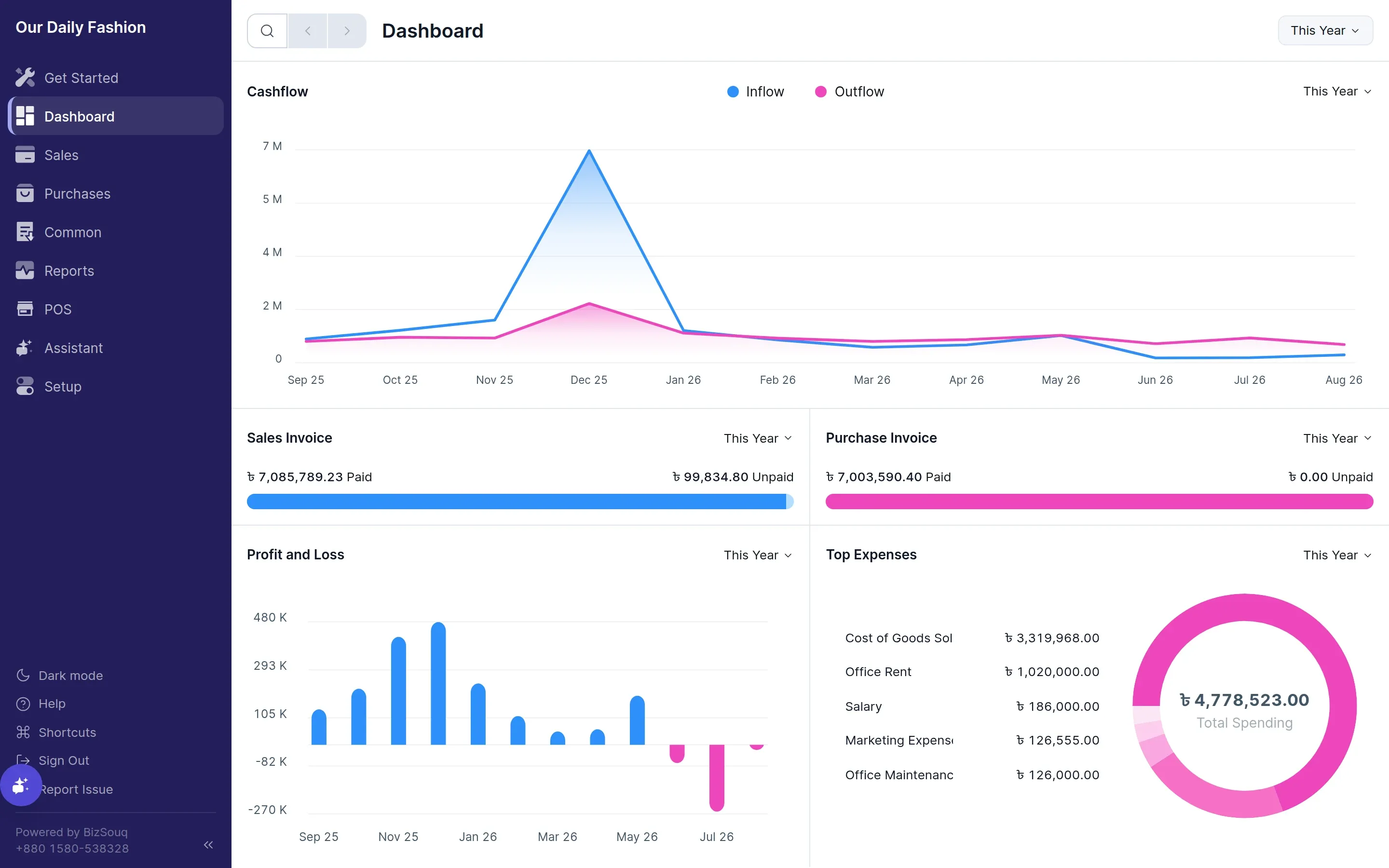
Add Taxes
Section titled “Add Taxes”A tax template is a named group of tax rates that you apply to a transaction as a whole. Open Setup → Tax Templates and create one for each rate you charge.
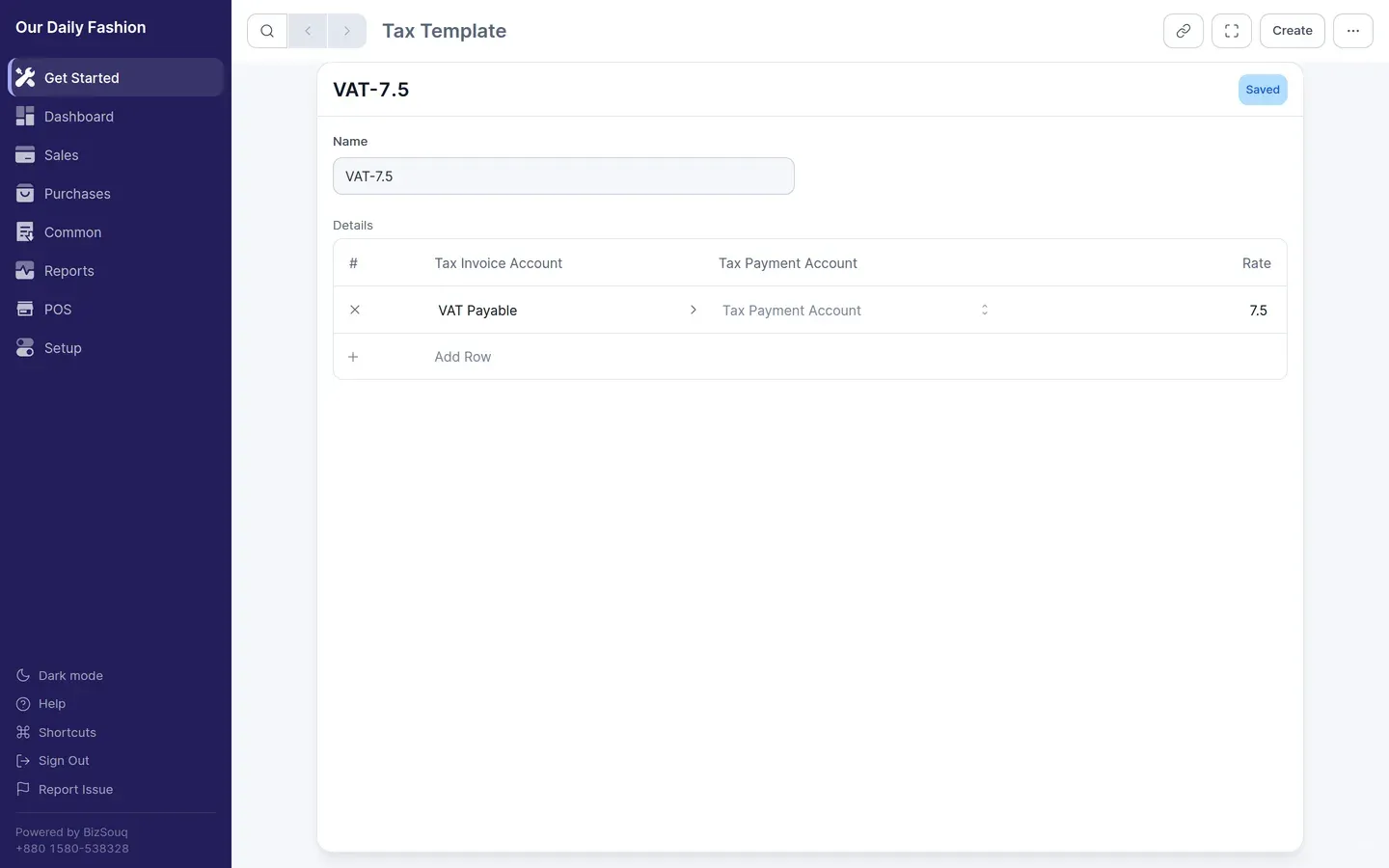
In Bangladesh the standard VAT rate is 15%, with reduced rates for some goods and services. Create a template per rate you actually use, and point each one at the appropriate tax account — the Bangladesh chart of accounts provides VAT Payable under Duties and Taxes.
See taxes for how templates apply to invoices.
Add Sales Items
Section titled “Add Sales Items”An item is anything you sell or buy. Create items from Common → Items.
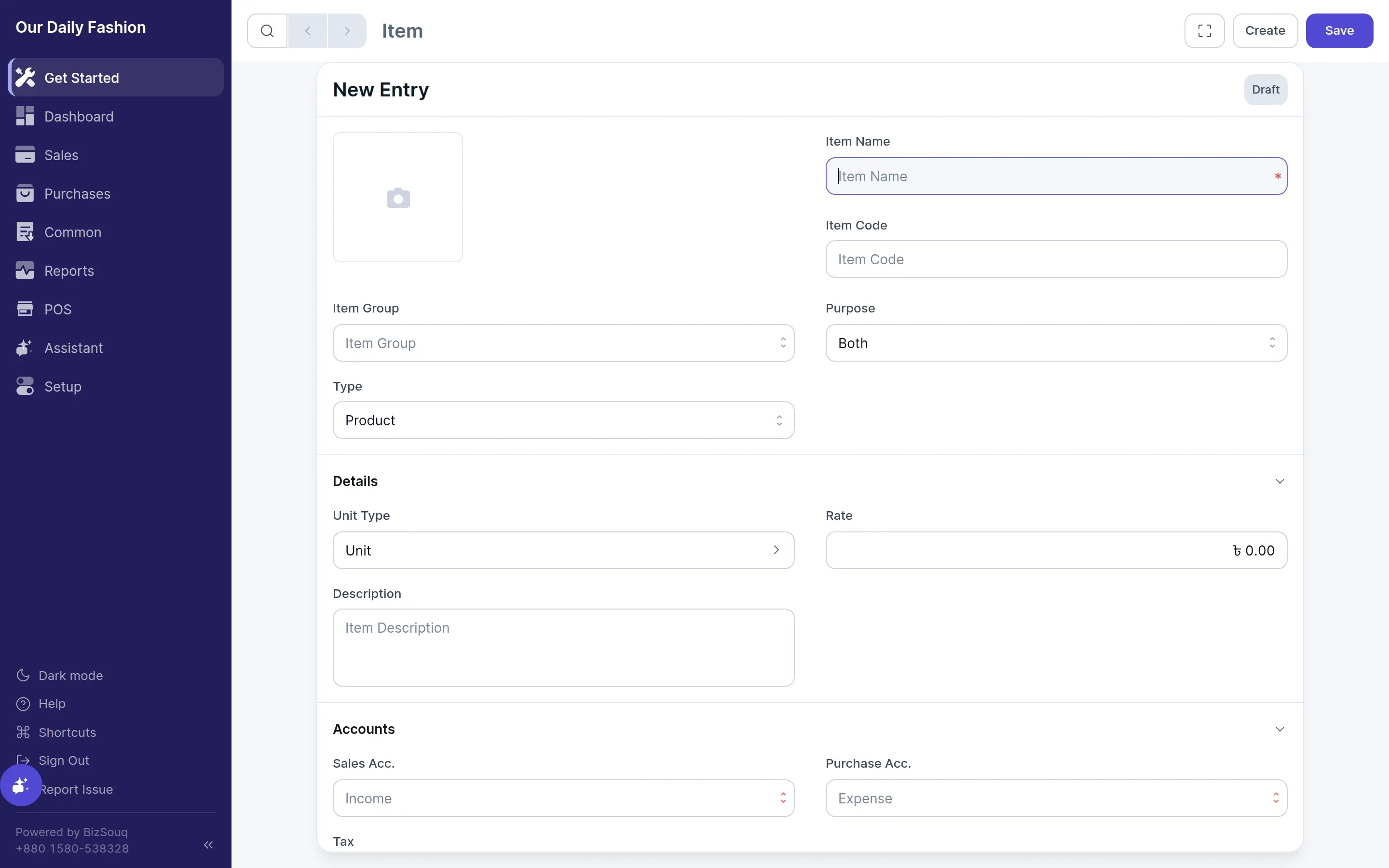
For each item set whether it is for sale, for purchase, or both, its default rate, and its unit of measure. If you sell physical goods and want stock tracked, enable inventory in Settings → General → Features first, then mark the item as maintaining stock.
See items for the full field reference.
Add Customers
Section titled “Add Customers”Customers and suppliers are both parties. Create them from Common → Parties, or inline while writing your first invoice.
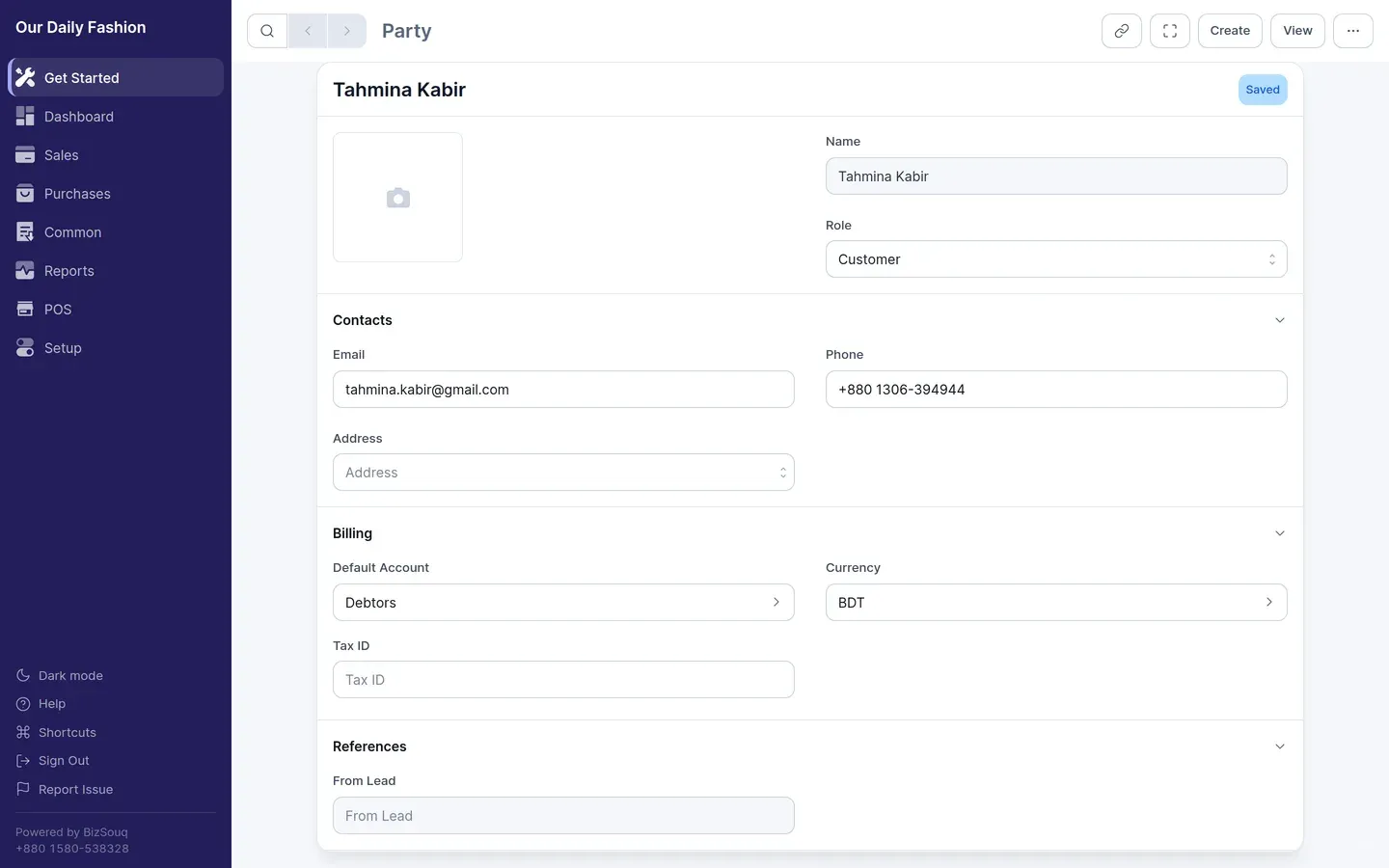
A customer needs a name; everything else — address, tax ID, default currency, credit terms — is optional and can be filled in later. Parties marked as customers appear when you raise a sales invoice; those marked as suppliers appear on purchase invoices.
See parties for details.