Reports
Reports are read-only views over posted transactions. Open them from Reports in the sidebar.
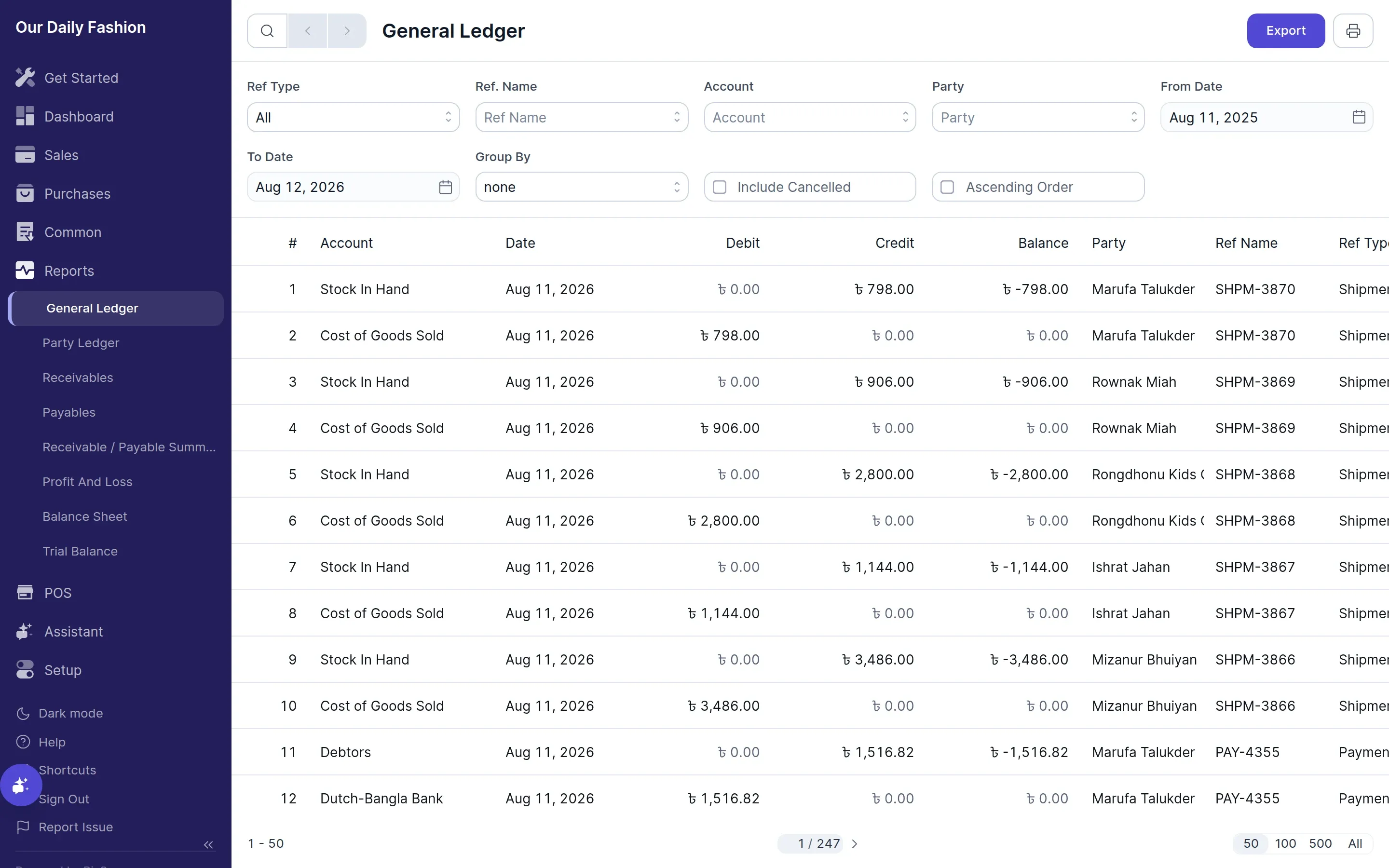
Financial & Party reports
Section titled “Financial & Party reports”- General Ledger — every posted entry, filterable by account and party
- Party Ledger — detailed transaction statement for a specific customer or supplier
- Accounts Receivable — outstanding balances and aged receivables owed by customers
- Accounts Payable — outstanding bills and aged payables owed to suppliers
- Profit and Loss — income against expenses for a period
- Balance Sheet — assets, liabilities and equity at a point in time
- Trial Balance — opening, movement and closing balance per account
Inventory reports
Section titled “Inventory reports”Available when inventory is enabled in Settings → General → Features:
- Stock Ledger — every stock movement
- Stock Balance — quantity and value on hand
Filters
Section titled “Filters”Most reports filter by date range, and financial reports default to the current fiscal year. Reports covering accounts can also filter by account, party and periodicity.
Exporting
Section titled “Exporting”Any report can be exported to CSV or JSON from the report toolbar.